Choose an ATS-Optimized Resume Template
Switch any time and keep every word: your content is stored apart from the design, so a new template moves your sections, bullets and dates without retyping them. Build and customize free, preview live, and upgrade to export high-resolution PDFs.
- Build & customize free
- 100% ATS-friendly formats
- 1 & 2 column layouts
Example résumé · same content in every layout
Browse all templates
Résumé templates
Loading templates...
Popular resume templates
Every layout below is ATS-tested and free to edit — open one to preview it full size.
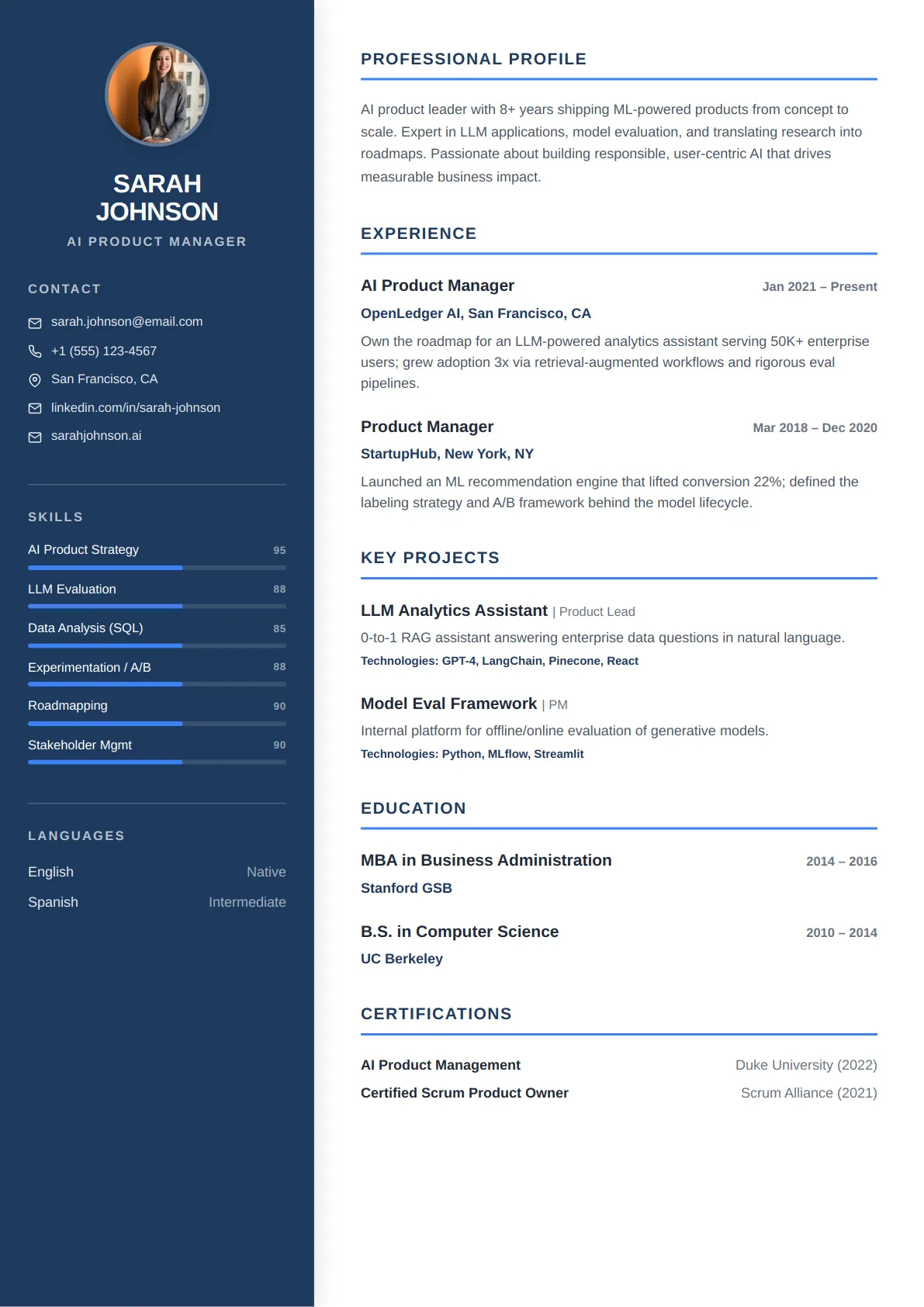 Classic Sidebar — Navy Corporate
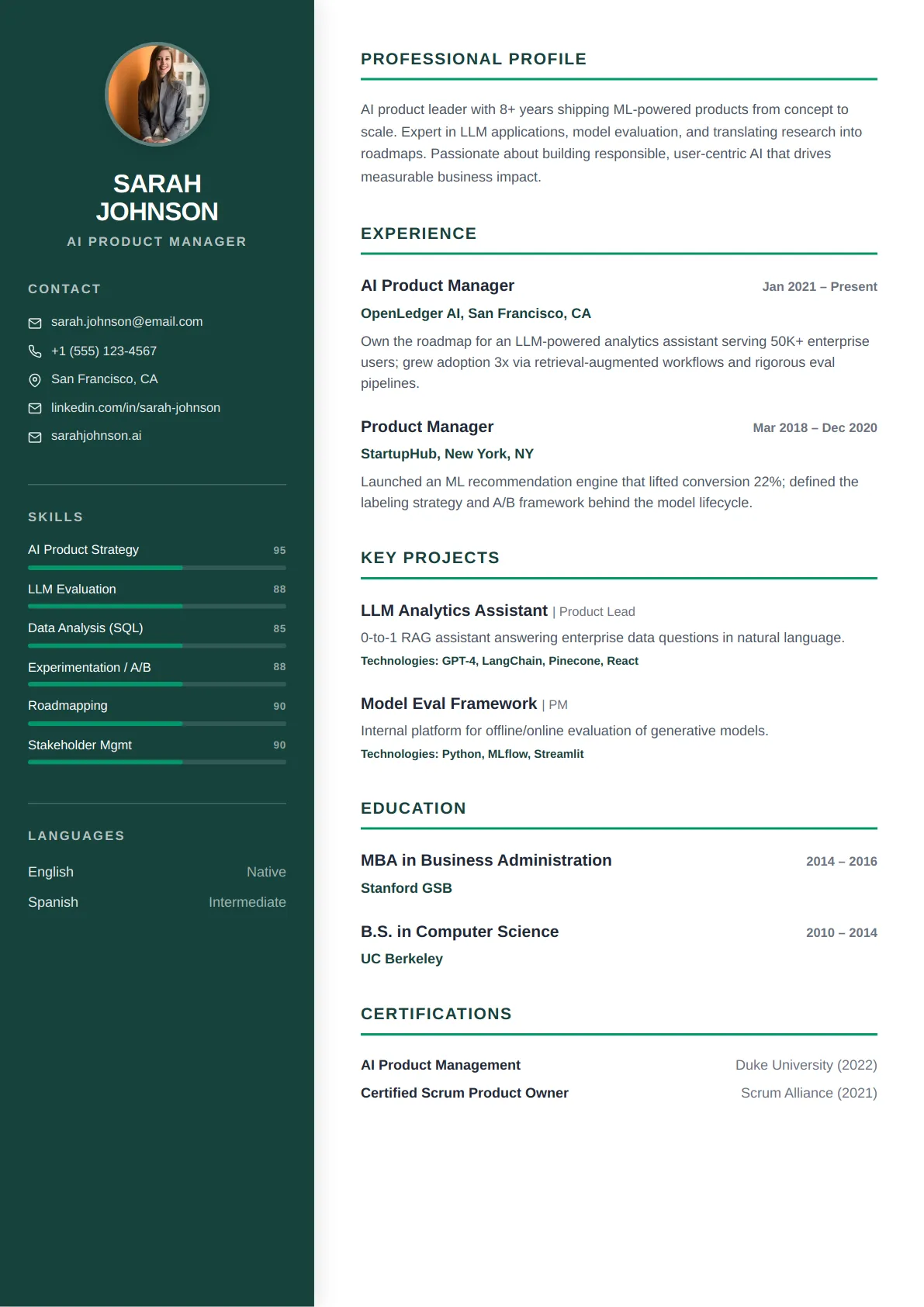 Classic Sidebar — Forest Calm
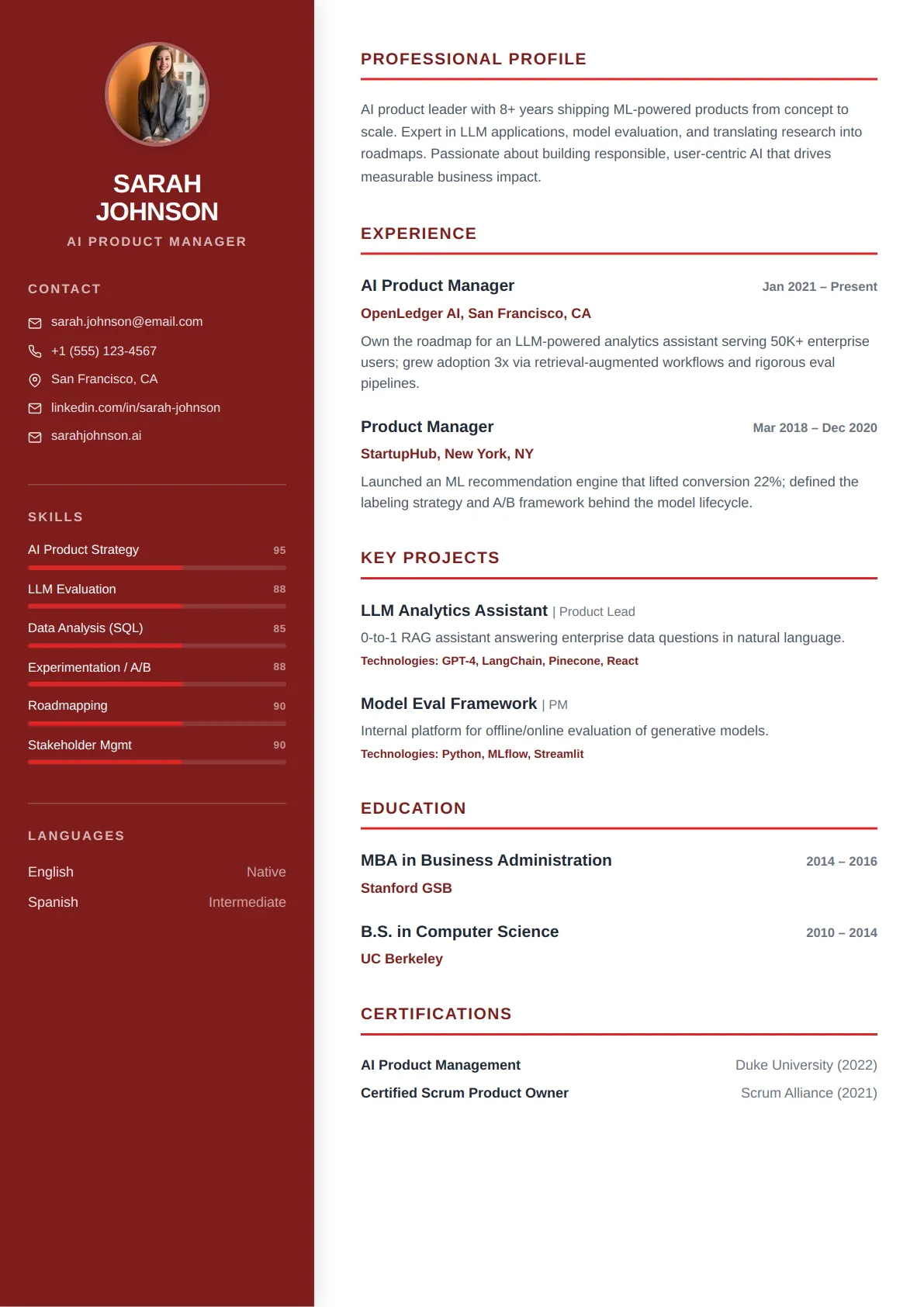 Classic Sidebar — Crimson Bold
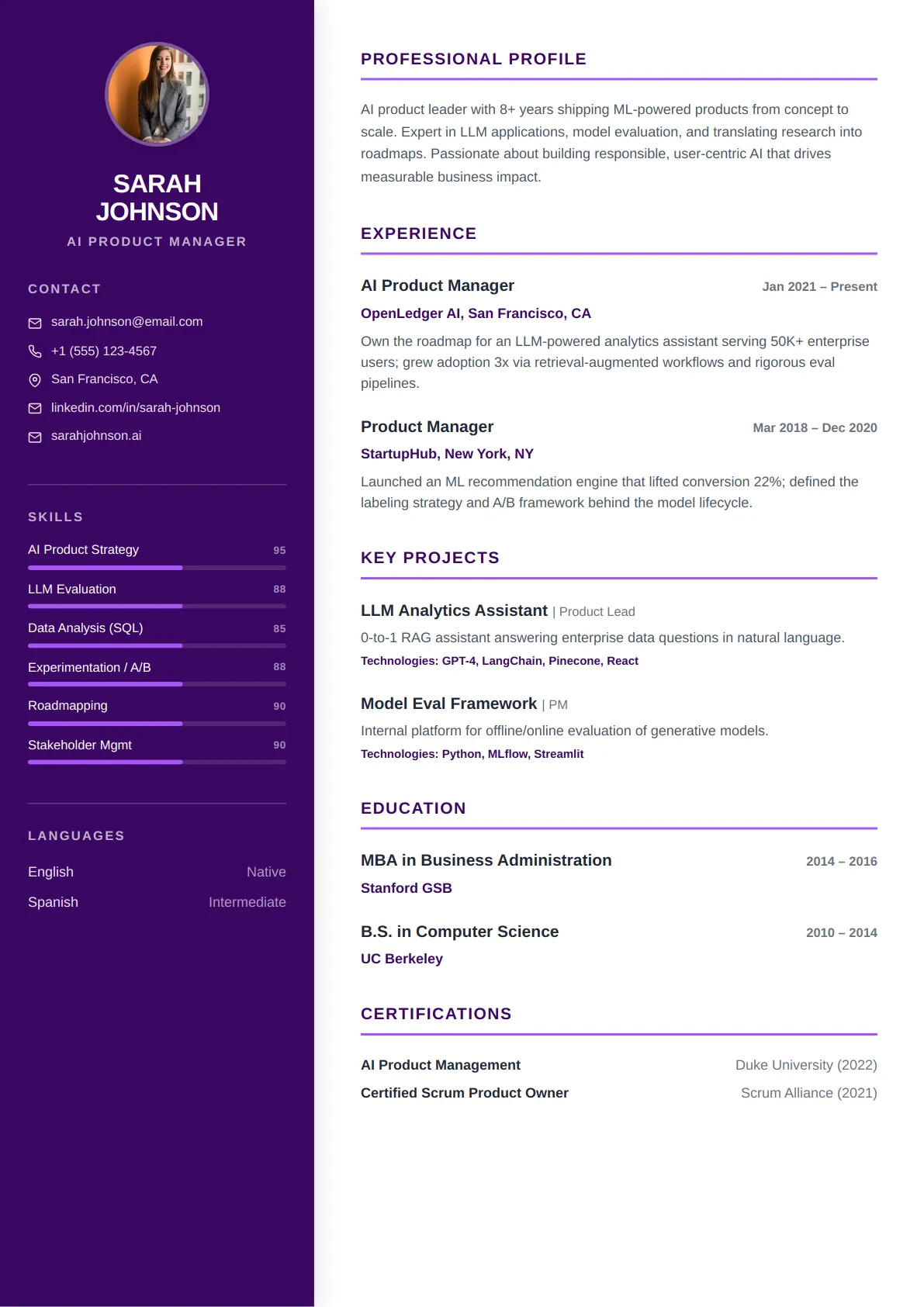 Classic Sidebar — Royal Purple
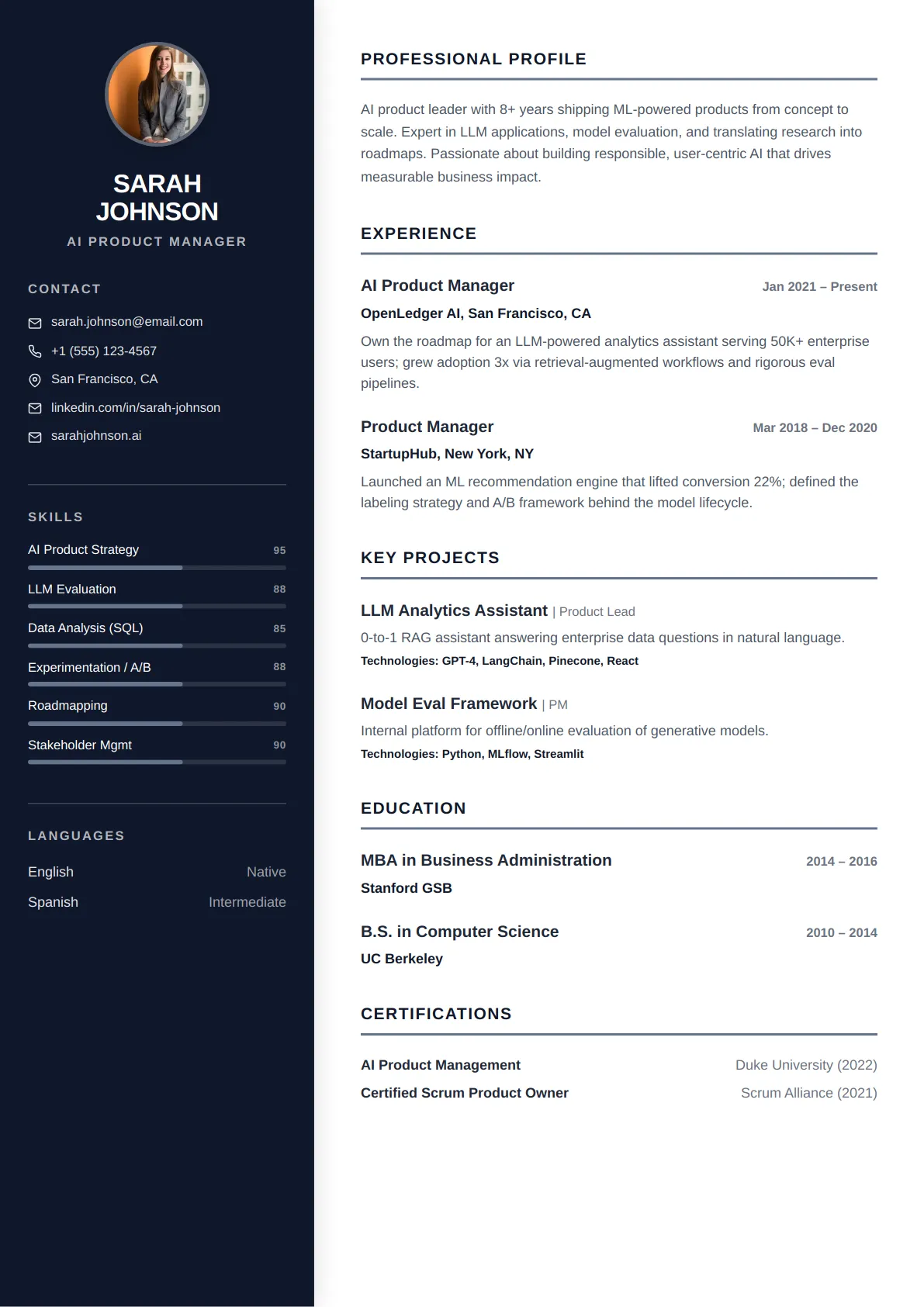 Classic Sidebar — Slate Minimal
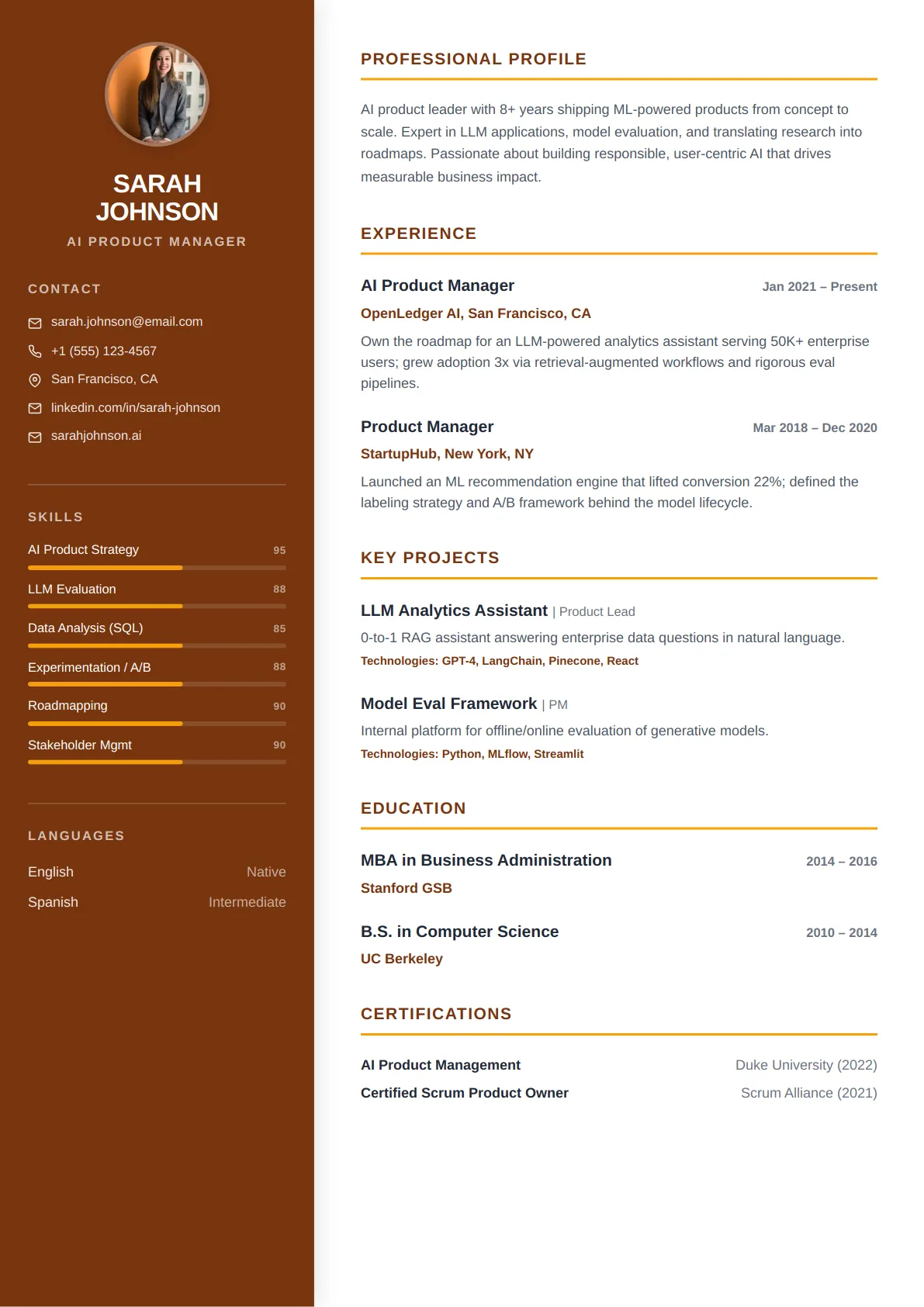 Classic Sidebar — Amber Warm
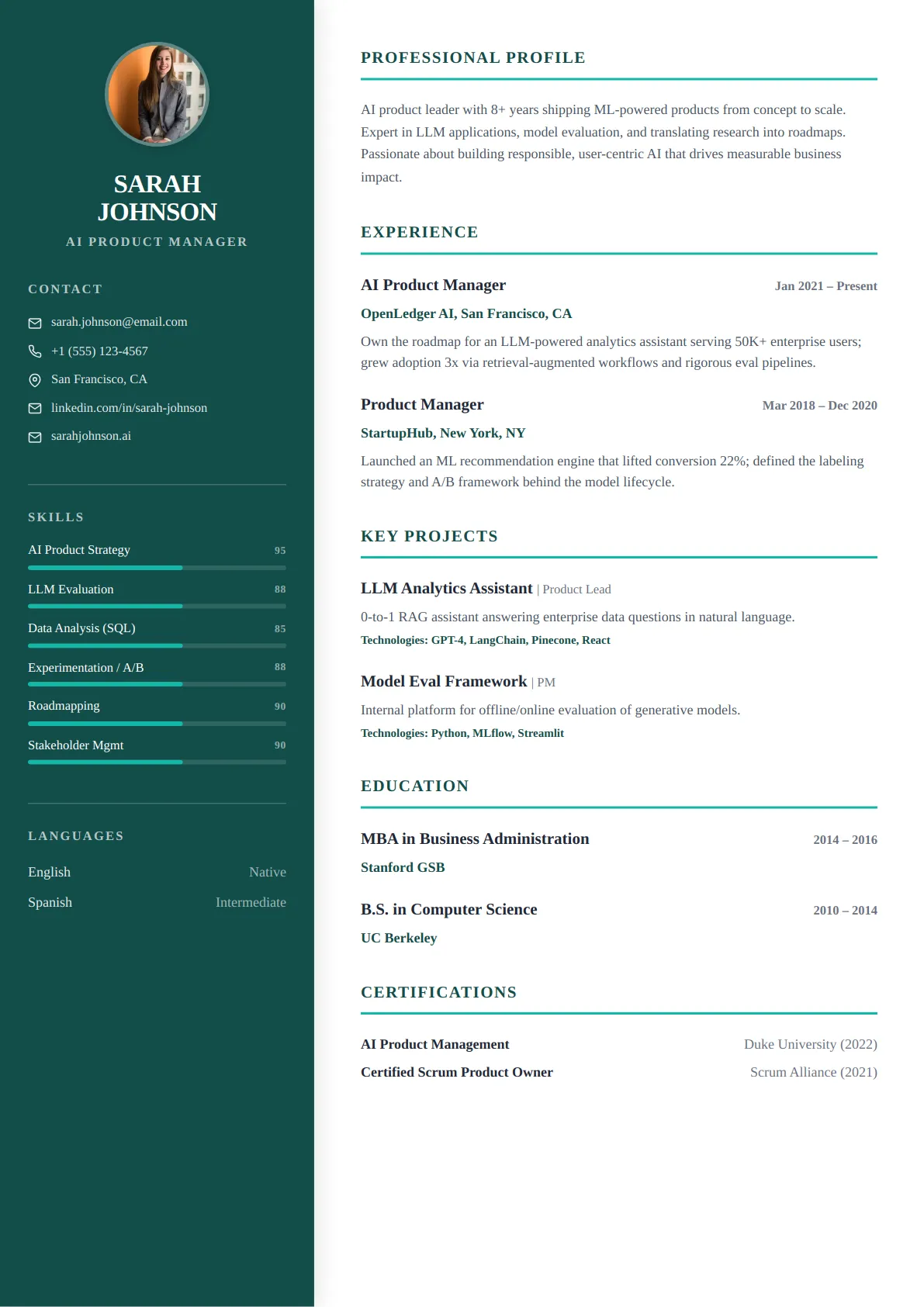 Classic Sidebar — Ocean Teal
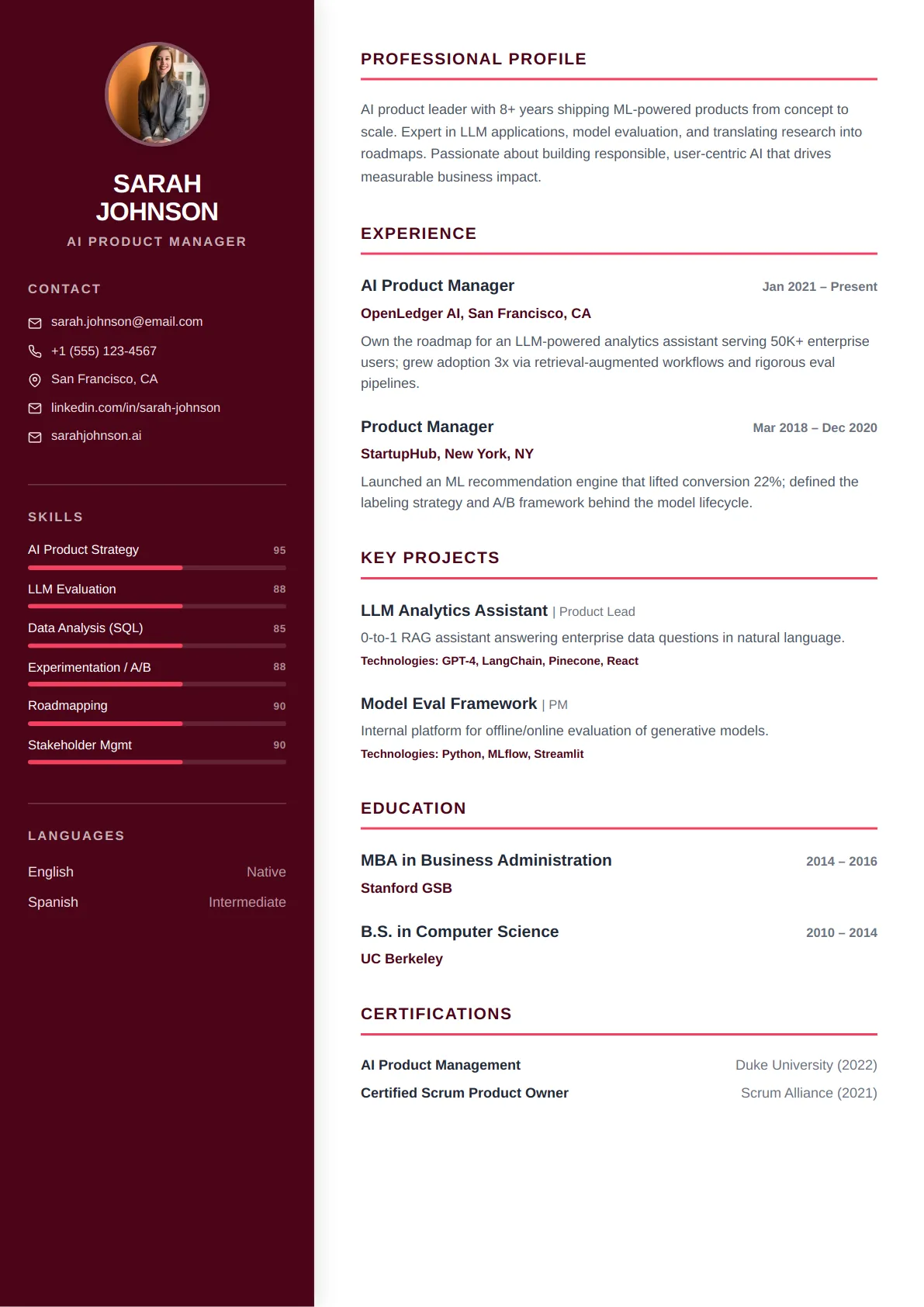 Classic Sidebar — Rose Modern
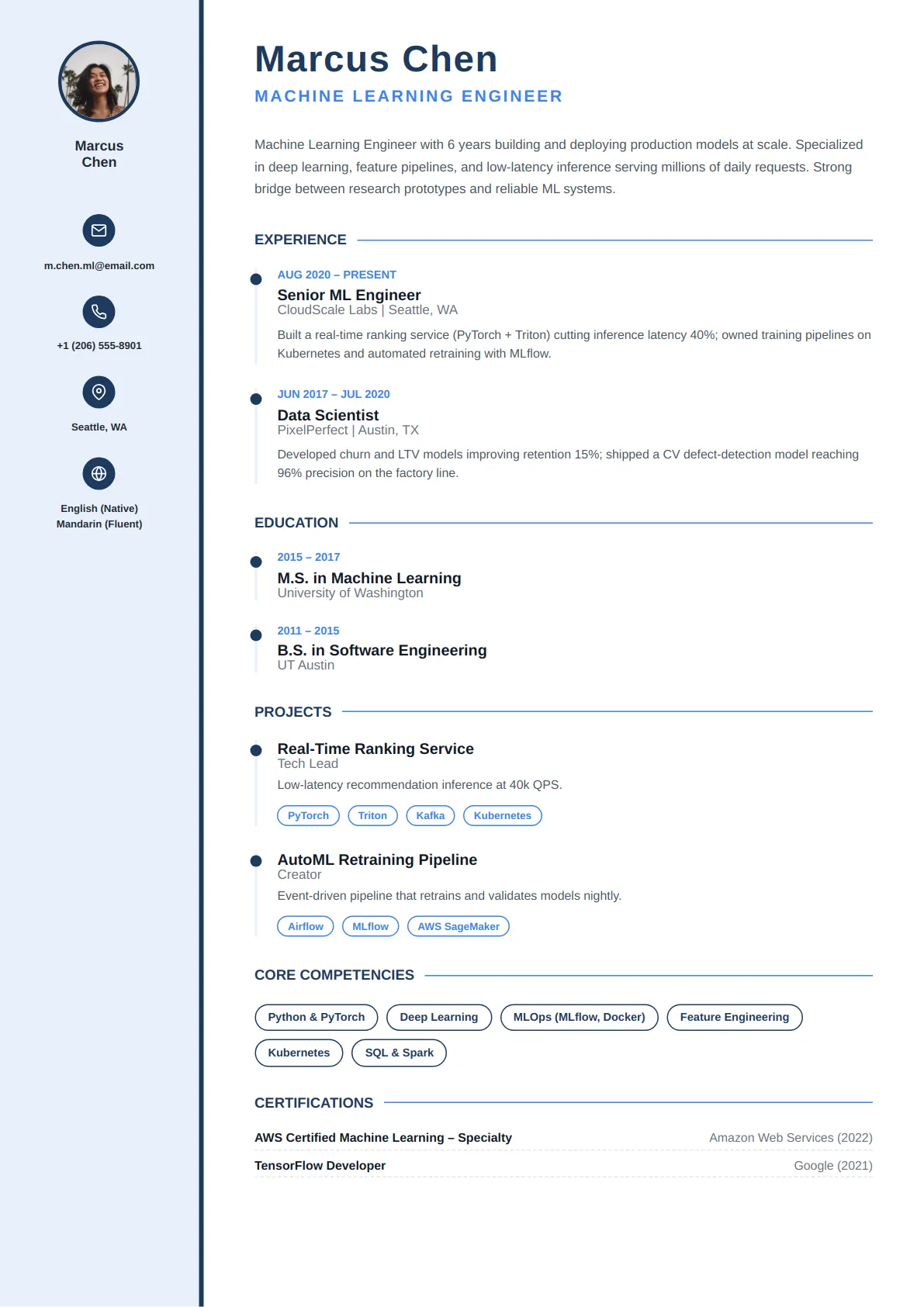 Thin Rail — Navy Corporate
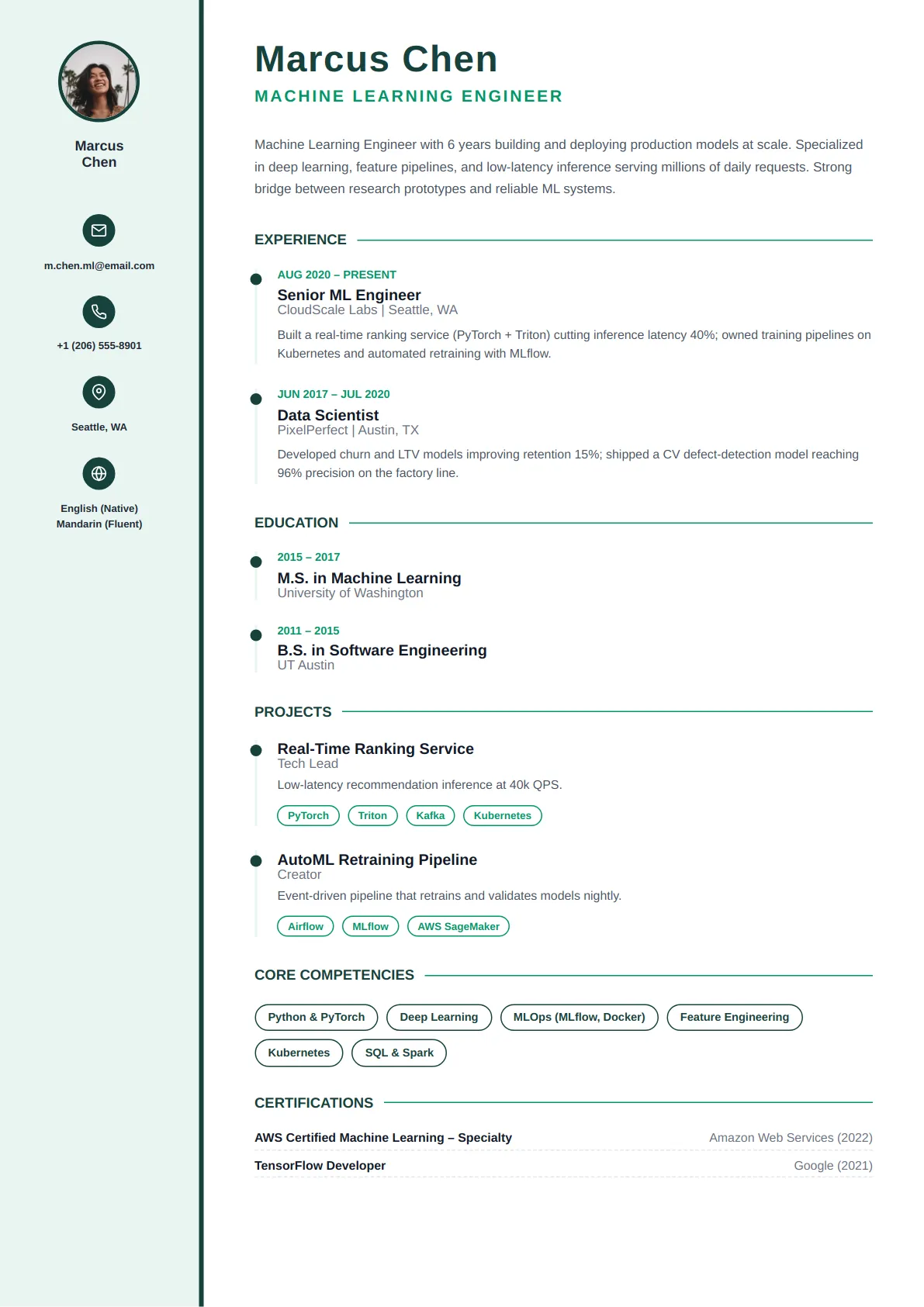 Thin Rail — Forest Calm
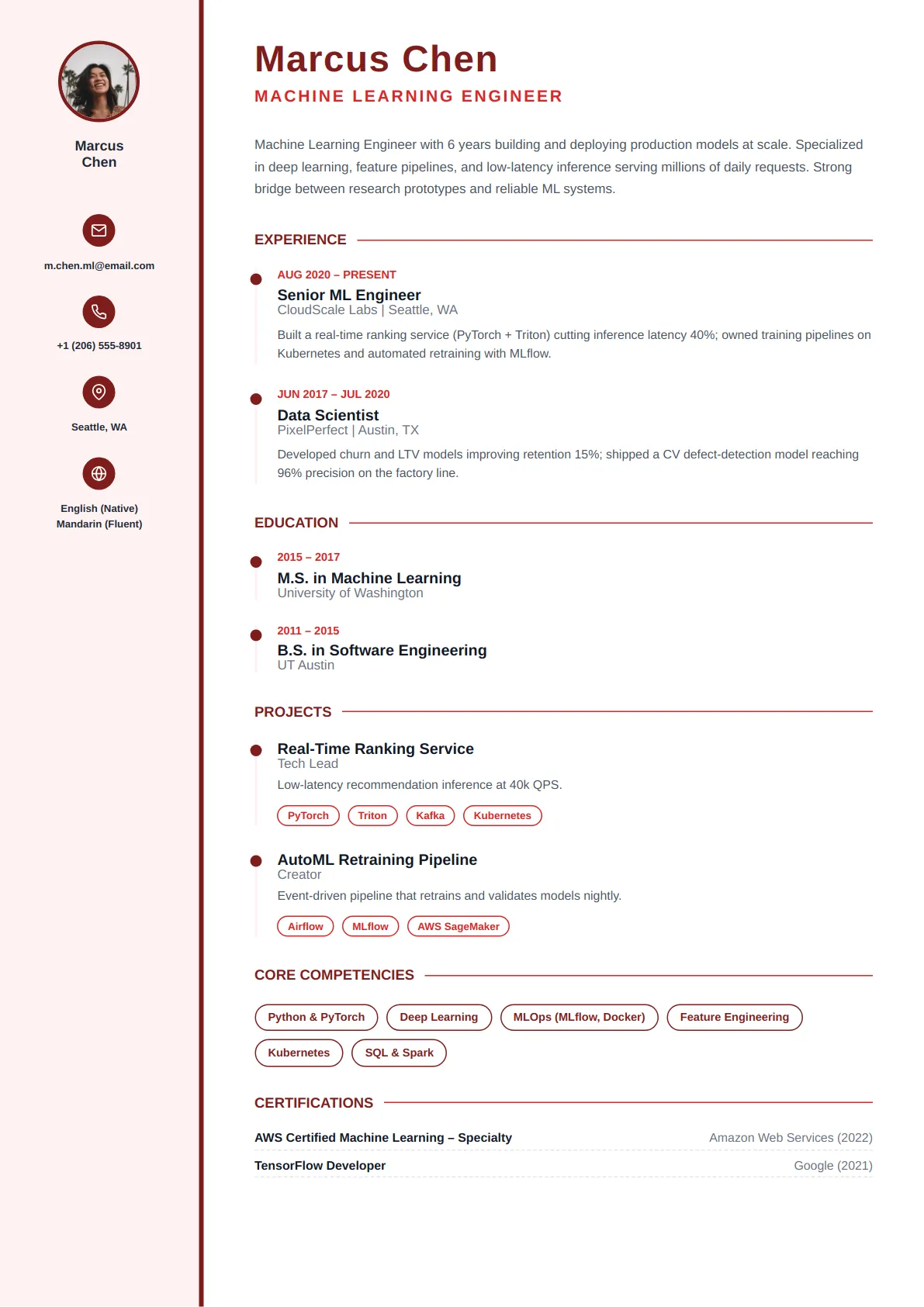 Thin Rail — Crimson Bold
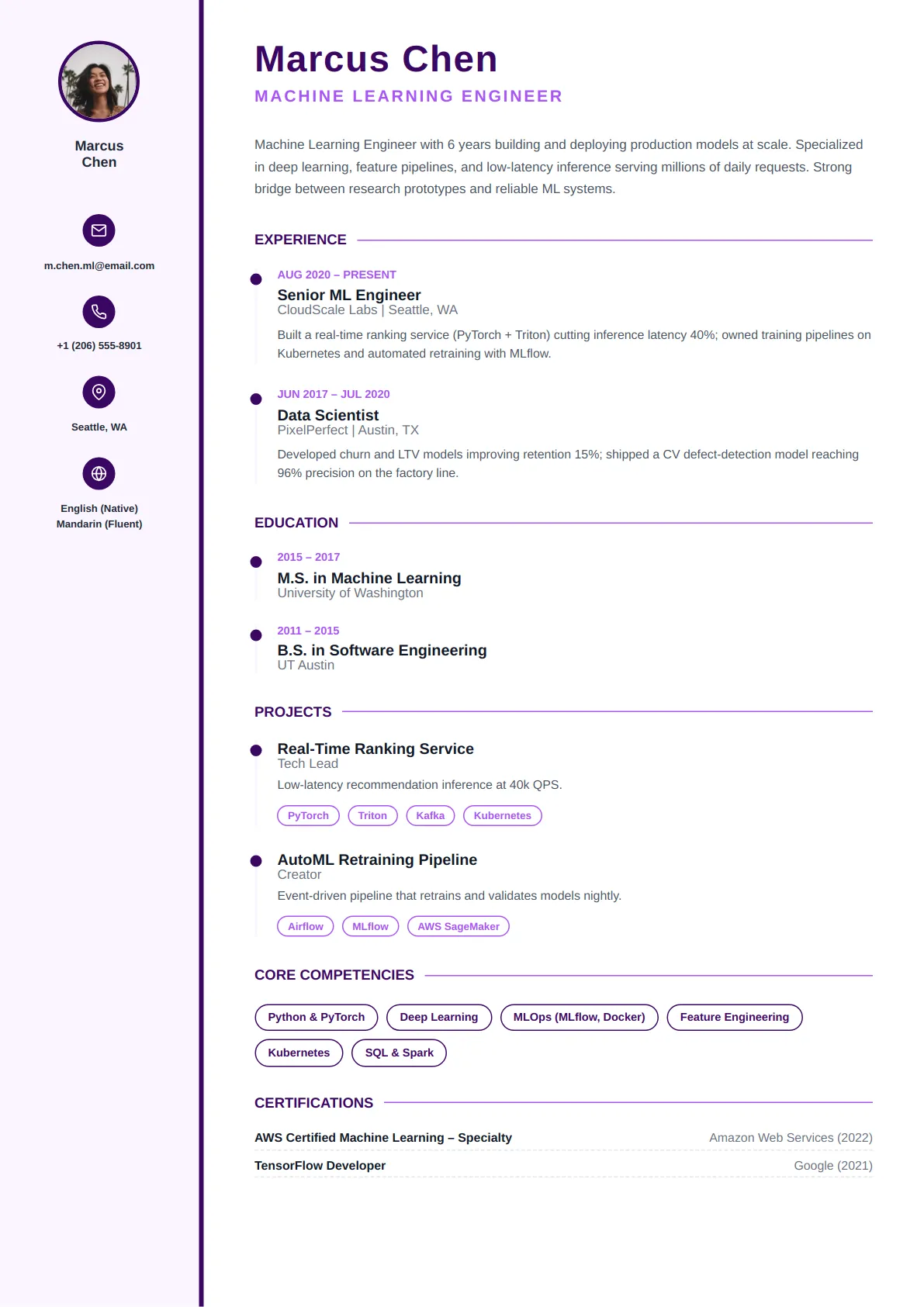 Thin Rail — Royal Purple
How to choose a resume template
Start from the reader, not the design
A recruiter spends well under a minute on a first pass and is looking for employer names, titles, dates and results in that order. Pick the layout that delivers those fastest for your field: single-column and conservative for finance, law, healthcare and government; a modern grid for tech, product and marketing; a portfolio-led creative layout only where the resume is itself a design sample. If you are unsure, the Minimal and Professional categories are never the wrong answer.
One column or two
Two-column templates put skills, contact details and certifications in a sidebar and free the main column for experience. They look sharper on screen and suit skills-heavy roles. Single-column templates fit roughly 15–20% more text at the same type size and are the safest with older applicant tracking systems. Every two-column template here is built so that a parser reads the main column first and the sidebar second — the same order a person reads — so the choice is about fit and density, not about ATS risk.
Length, density and what to do when you are over a page
Under ten years of experience, aim for one page; beyond that, two is normal. Do not shrink the type below 10.5 pt to make it fit — use the Density control in Customize, which tightens spacing and margins honestly, and cut roles older than ten years to a single line. The live page count in the editor shows the effect of every change, and the ATS checker confirms that each section is still detected after you export.
Resume template FAQs
Are the templates really free?
Building, customizing and previewing any template is free with no account required, and a plain-text export is free once you sign in. PDF and DOCX export, the full template library and the advanced AI writer are part of the paid plans listed on the pricing page. Nothing is marked free that later asks for a card.
Will I lose my content if I switch templates?
No. Your resume content is stored separately from the layout, so changing template swaps the design and resets its styling options while every section, bullet and date stays exactly as you wrote it. You can switch as often as you like, including after export.
How do you know these templates are ATS-friendly?
Each layout uses real text headings with standard section names, a single reading order (sidebars are read after the main column), and no tables, text boxes, icons-as-text or skill graphics in the content area. The built-in ATS checker extracts text from your exported file the way a parser would and reports which sections and keywords it found.
Can I change colours, fonts and section order?
Yes. Customize lets you set the accent colour, font pairing, spacing density, section order and which sections are shown. Those settings belong to the template; your content is untouched, and you can reset a template to its defaults at any time.
Should I add a photo?
Not for the US, UK, Canada or Australia, where many employers discard resumes with photos to avoid bias claims. Parts of continental Europe, the Middle East and Asia still expect one. If your market expects one, upload it in the Contact step of the builder: it appears only on the templates designed with a photo slot and is ignored by the rest, so switching to a photo-free design needs no edits.
Looking for Role-Specific Inspiration?
Browse our expert-crafted resume examples pre-populated with industry keywords.