Your whole application in one place: 72 ATS-ready resume templates, an ATS checker that reads your resume the way hiring software does, an AI cover letter writer, and 28 PDF and image tools.
- No sign-up to start
- Import a PDF, Word or LinkedIn file
- Switch templates without retyping
Resume builder
Five guided steps, ATS-ready templates and a live preview. Import an old resume to start faster.
Free to buildOpen →ATS checker
See which sections hiring software can read and which job-post keywords are missing.
ProOpen →Cover letter
A letter drafted from your resume and the job post, in a design that matches.
Sign in for AIOpen →PDF tools
Merge, split, compress, convert, sign and protect the files you send.
21 freeOpen →72 real templates. Change the look whenever you like.
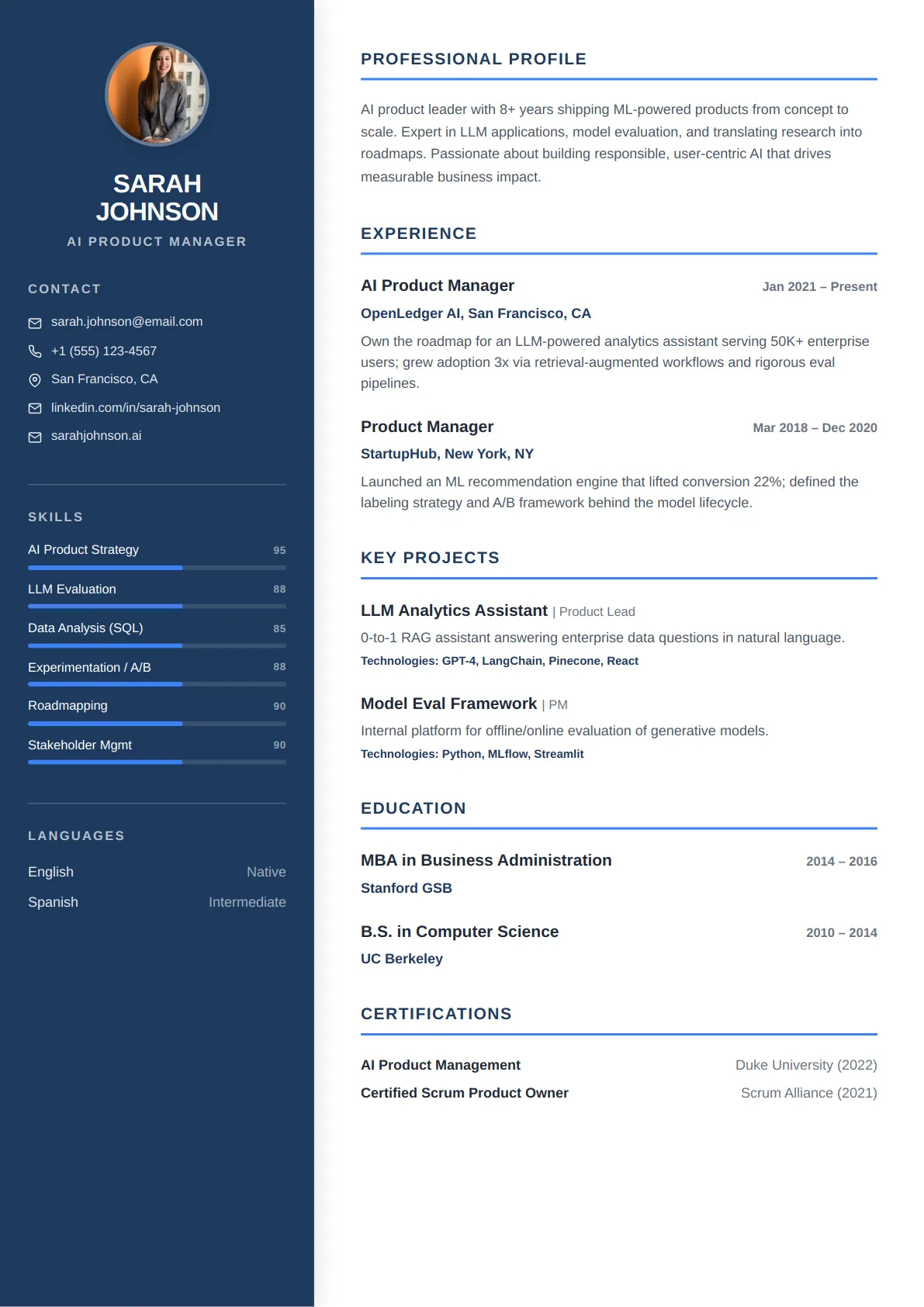
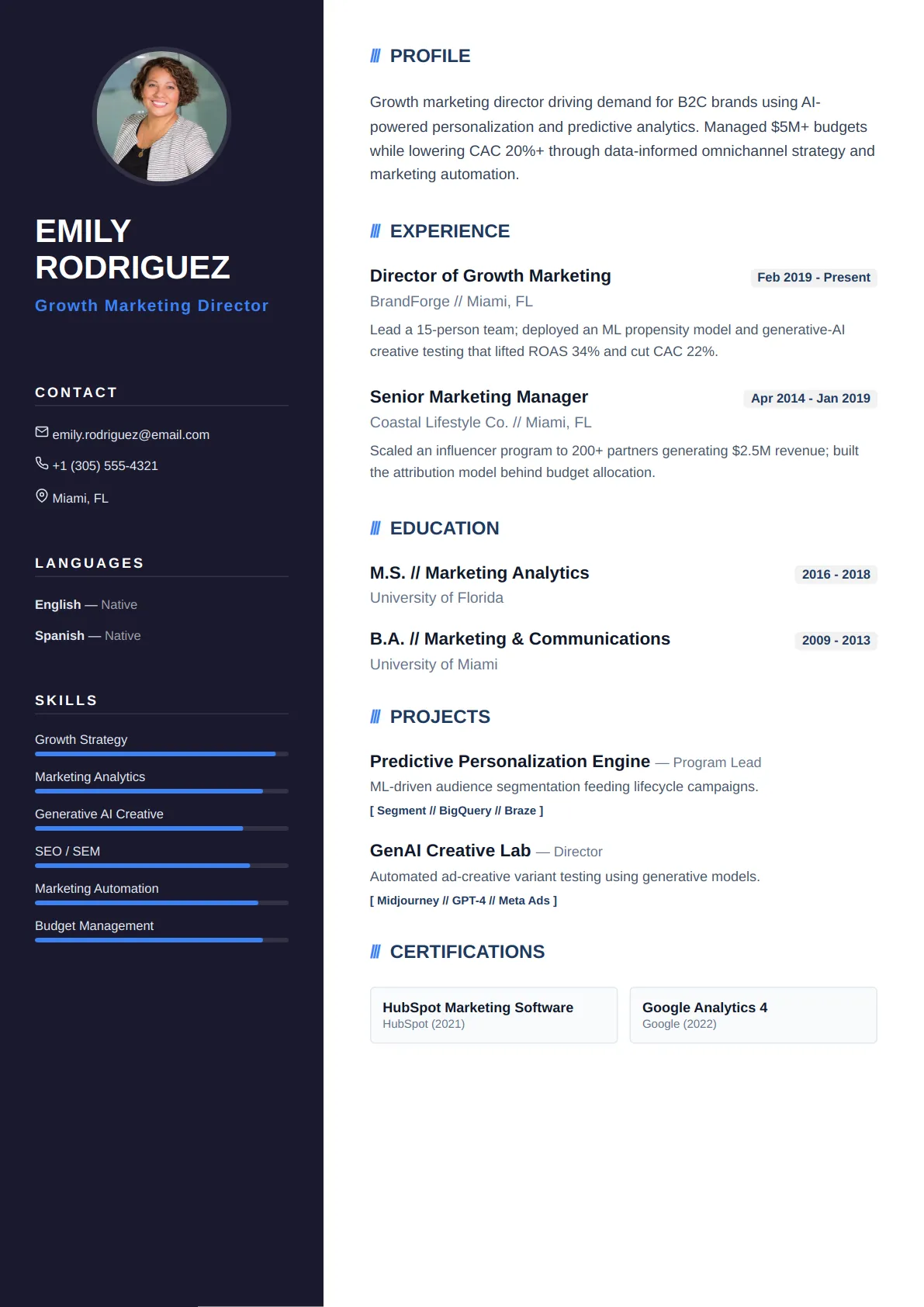
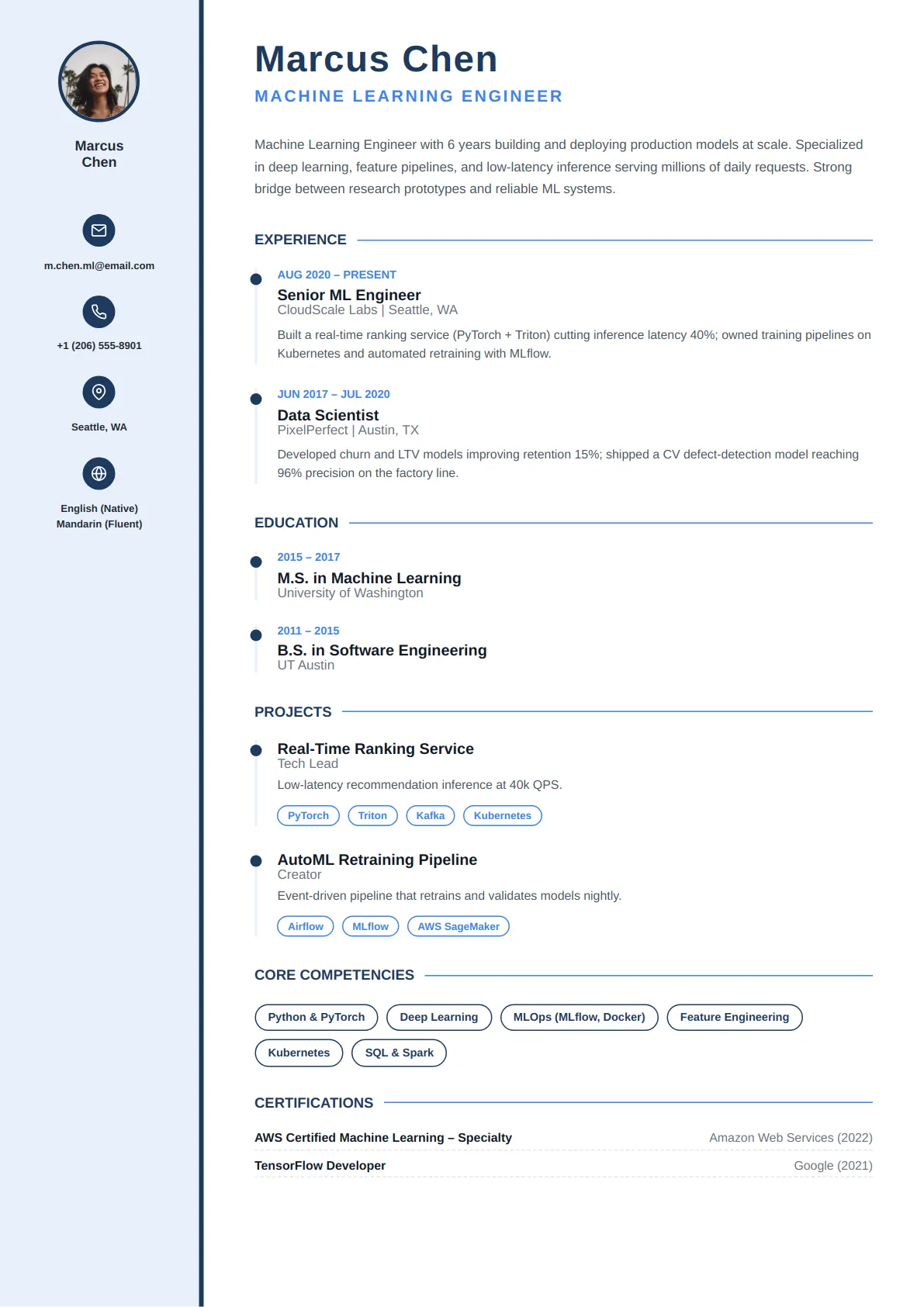
These are the live templates from the builder, not screenshots. Your content and your design are saved separately, so switching never moves or deletes a word you wrote.
- Five core steps. Contact, Summary, Experience, Education and Skills, then any extra sections you need.
- Start from what you have. Upload a PDF or Word resume, or your LinkedIn “Save to PDF” file.
- AI where it helps. Rewrite a bullet or tighten a summary. Sign in to use it.
- Saved as you type. Your draft stays on this device until you save it to your account.
Design
Colour
Each preview shows the template's own sample content. Your content carries over when you switch.
See your resume the way hiring software reads it.
The checker reads your PDF line by line, confirms each section was understood, and compares the text with the job post you paste in. Then it shows exactly what to fix.
- Parse check. Text layer, section headings, contact details and dates.
- Job-post match. Keywords found in your resume, highlighted where they appear.
- Quick fixes. Apply one and watch your resume and score update.
Reading…Checking sections and keywords
A cover letter written from your resume and the job post.
The writer uses real facts from your resume and matches them to what the posting asks for. It doesn't invent achievements, and every paragraph stays editable.
- Matching designs. Pick a letter template and change it later without losing a word.
- Edit paragraph by paragraph. Rewrite one part with AI and keep the rest.
- Grounded in your resume. Numbers and roles come from what you already wrote.
Every file in your application, ready to send.
Merge your resume and cover letter, shrink a scan, convert a Word file, or sign and lock a PDF. Most tools run in your browser, so the file never leaves your device.
Start for free. Sign in for AI. Go Pro to export.
If you hit a step that needs an account or a plan, we hold your place and bring you straight back to it afterwards.
Just start
Everything you need to build.
- Build and style resumes
- Import a PDF, Word or LinkedIn file
- 21 PDF and image tools
Sign in
Everything in “Just start”, plus:
- AI rewrites and drafting, using credits
- Export as plain text (TXT)
- Keep documents in your dashboard
Apply with confidence
Everything in “Sign in”, plus:
- PDF and DOCX export
- ATS checker with job-post matching
- All premium templates and cover letters
- Word, Excel, PowerPoint and HTML conversions
Got Questions? We've Got Answers
Everything you need to know about building, customizing, and exporting your resume on CraftMyDocs.
Have more questions? Visit our FAQ page or contact our support team anytime.
Your next application starts here.
Build your resume now and decide on an account later. Nothing you write is lost when you sign in.