Professional Resume Templates
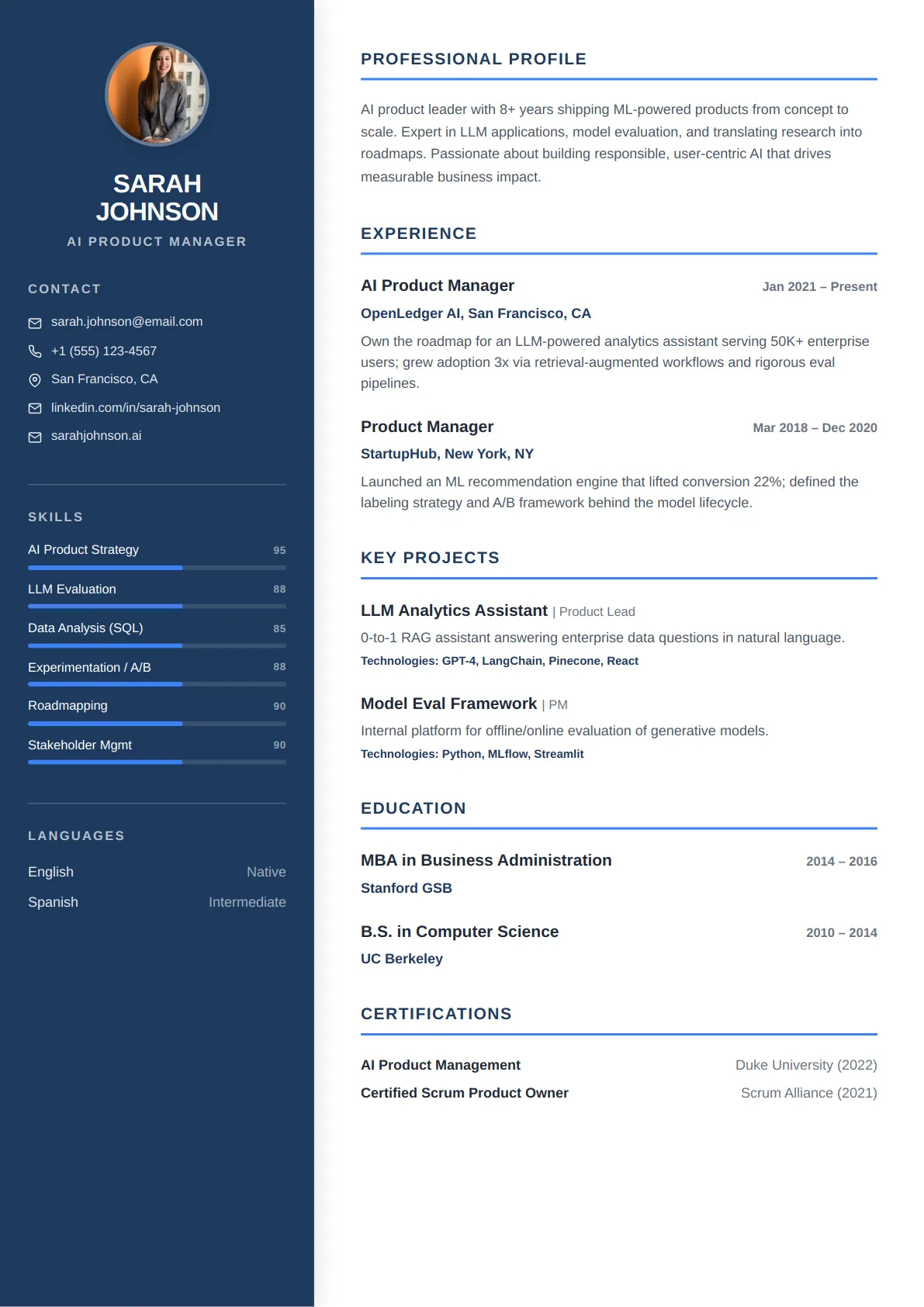
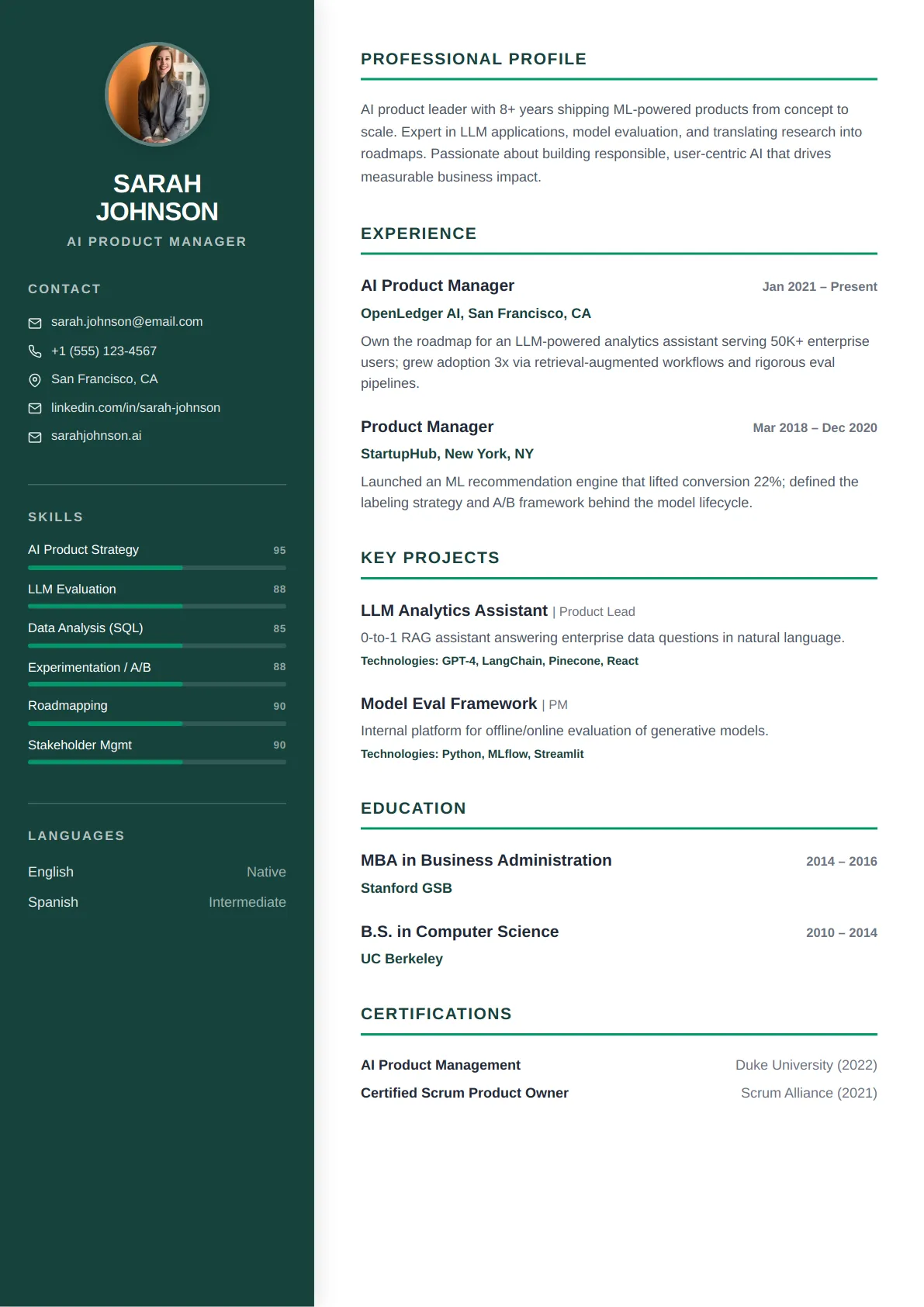
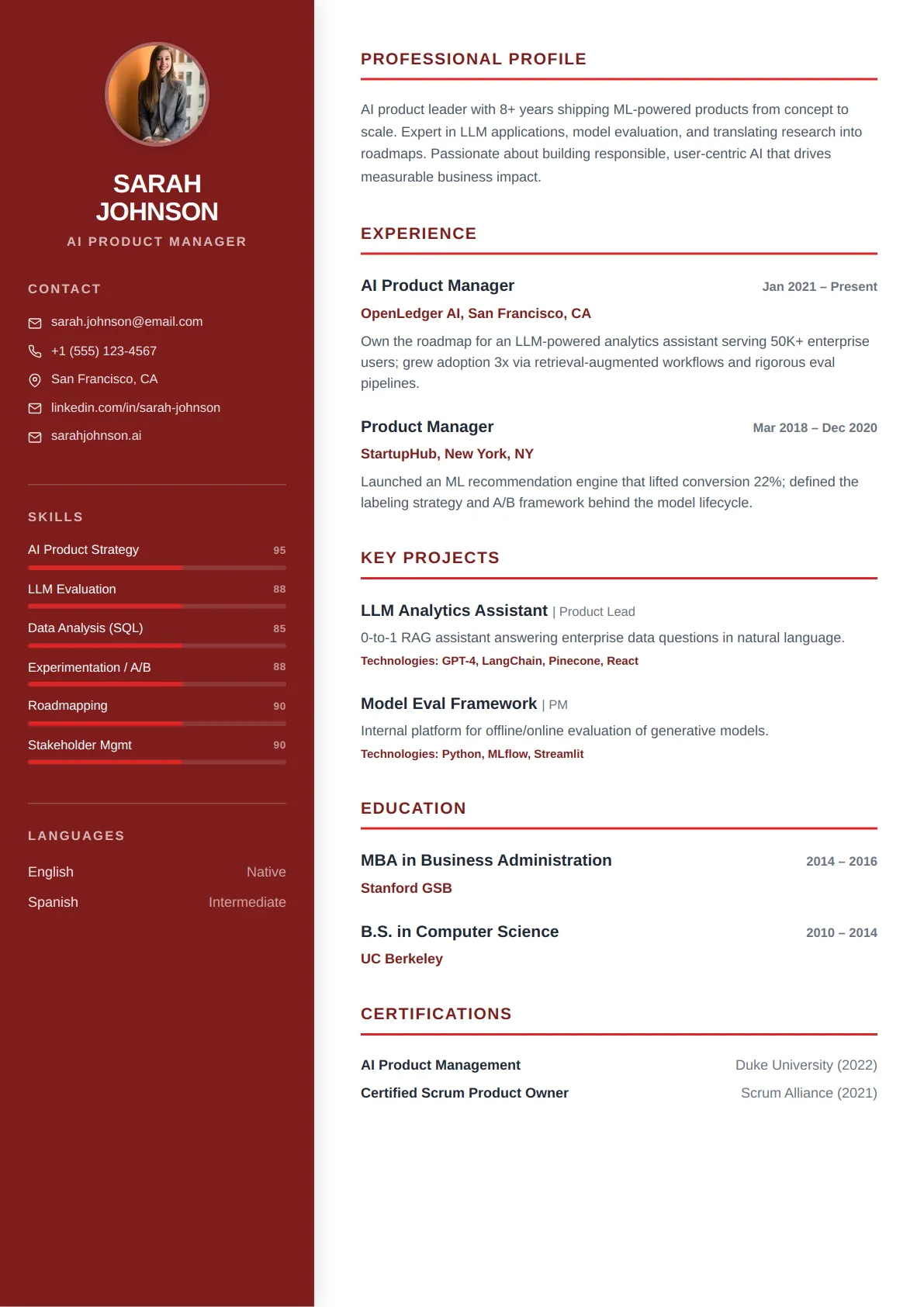
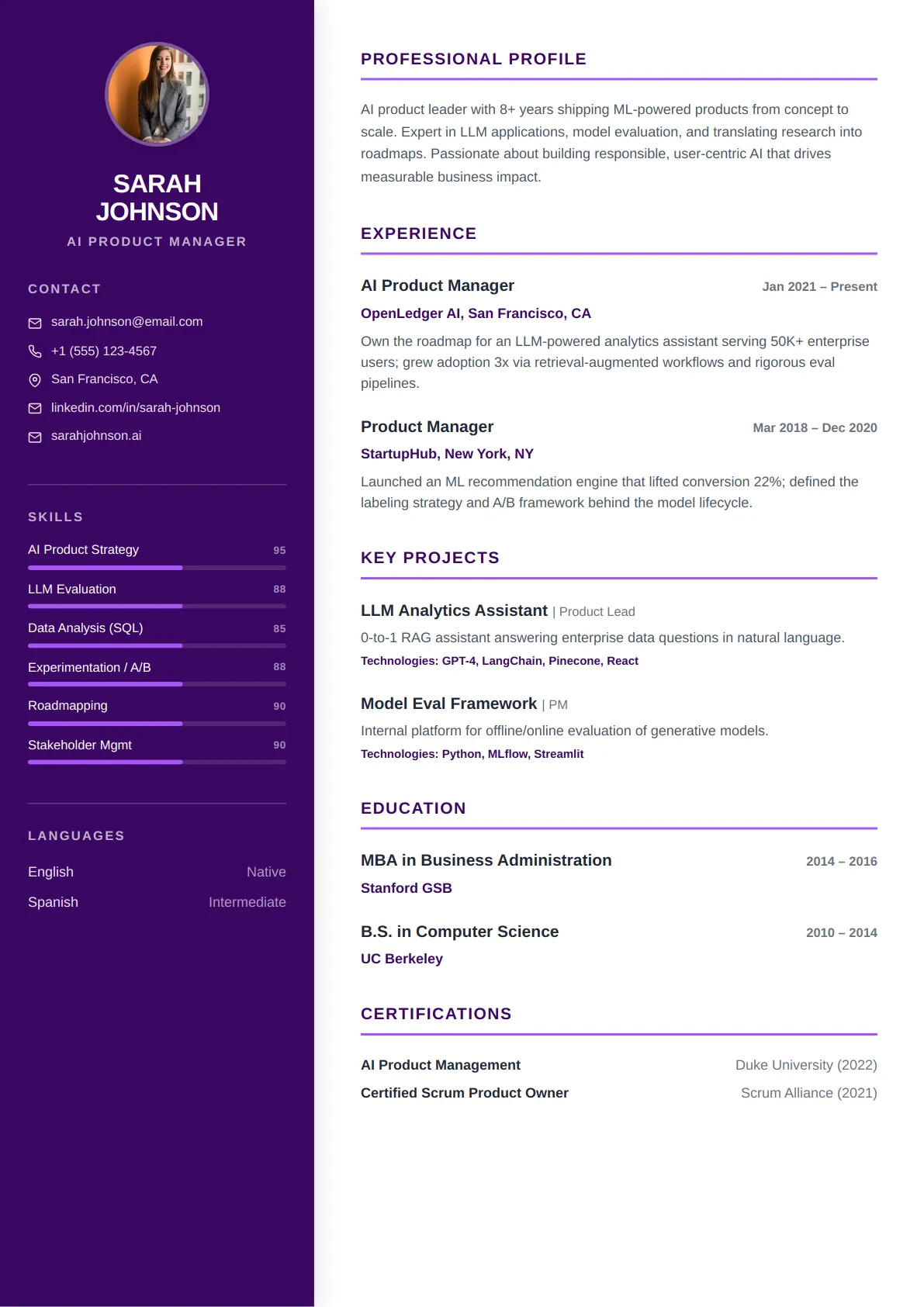
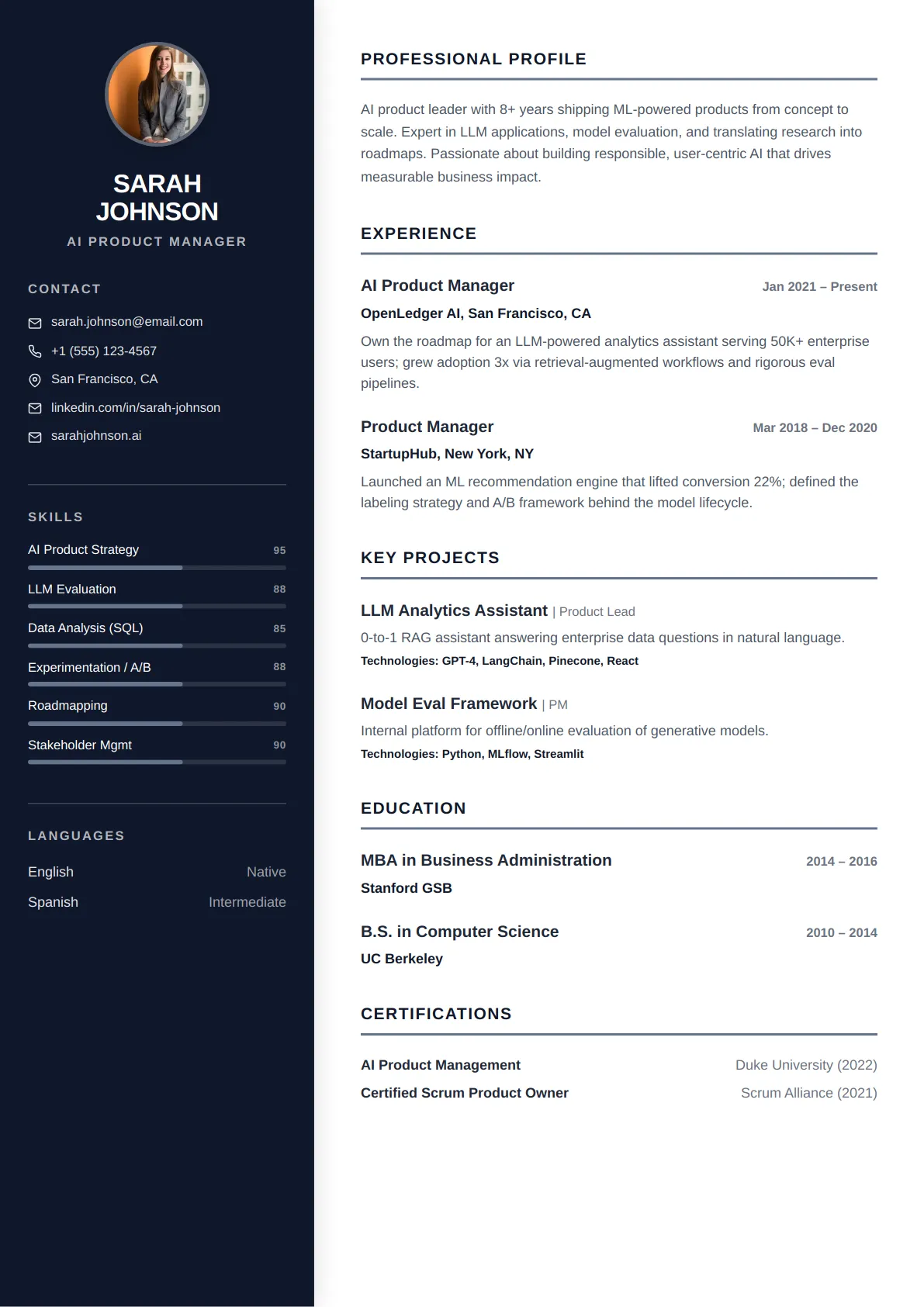
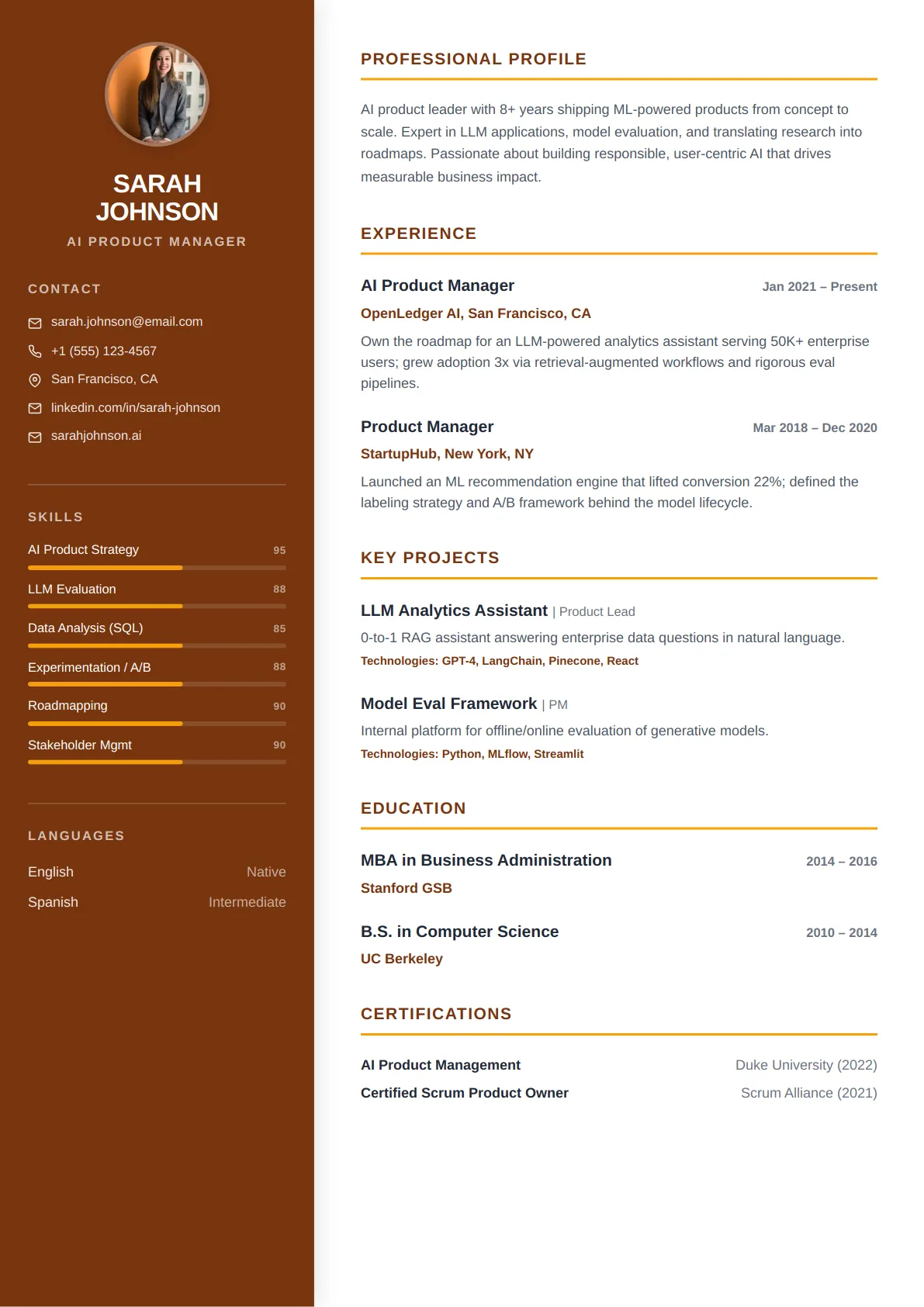
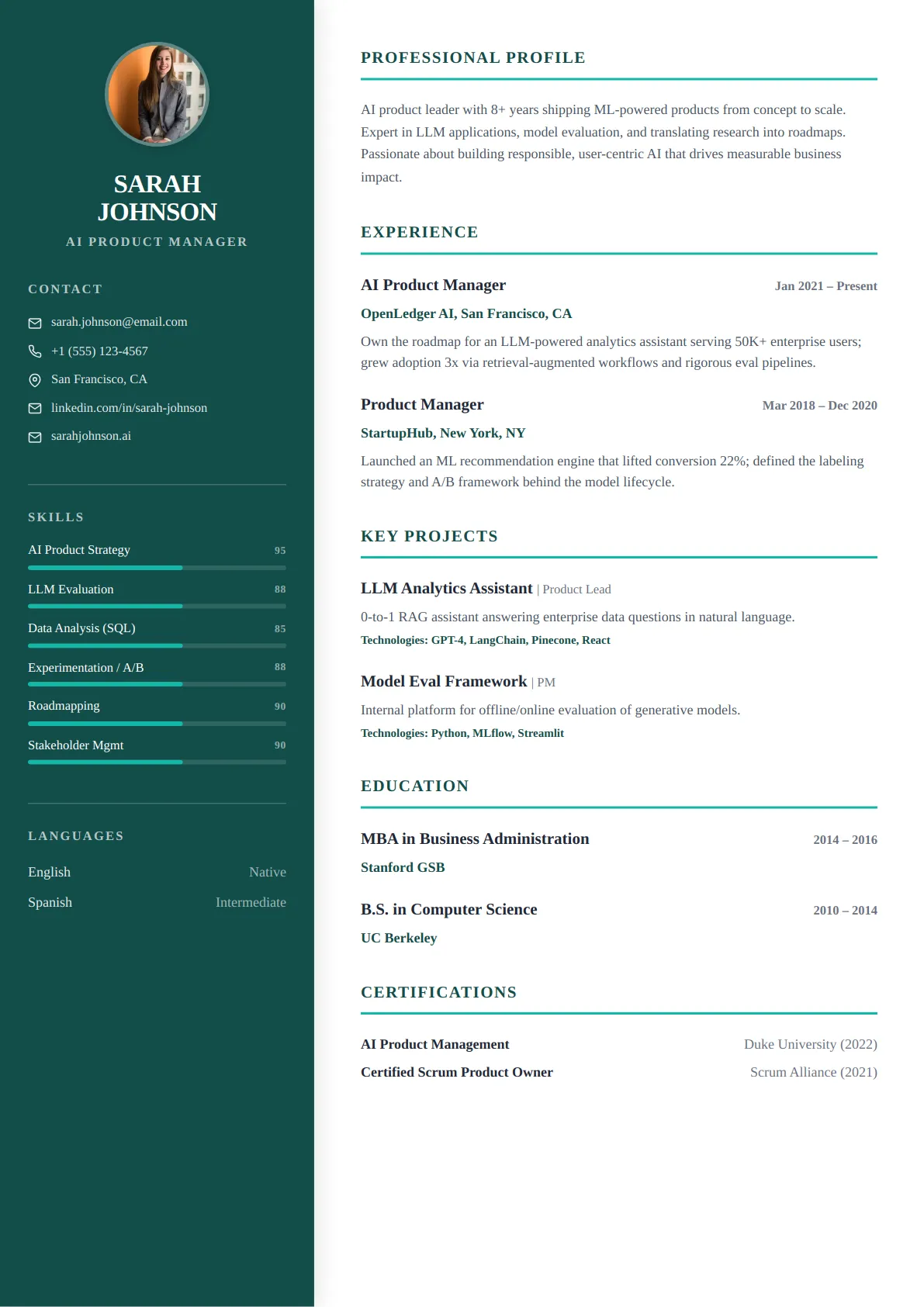
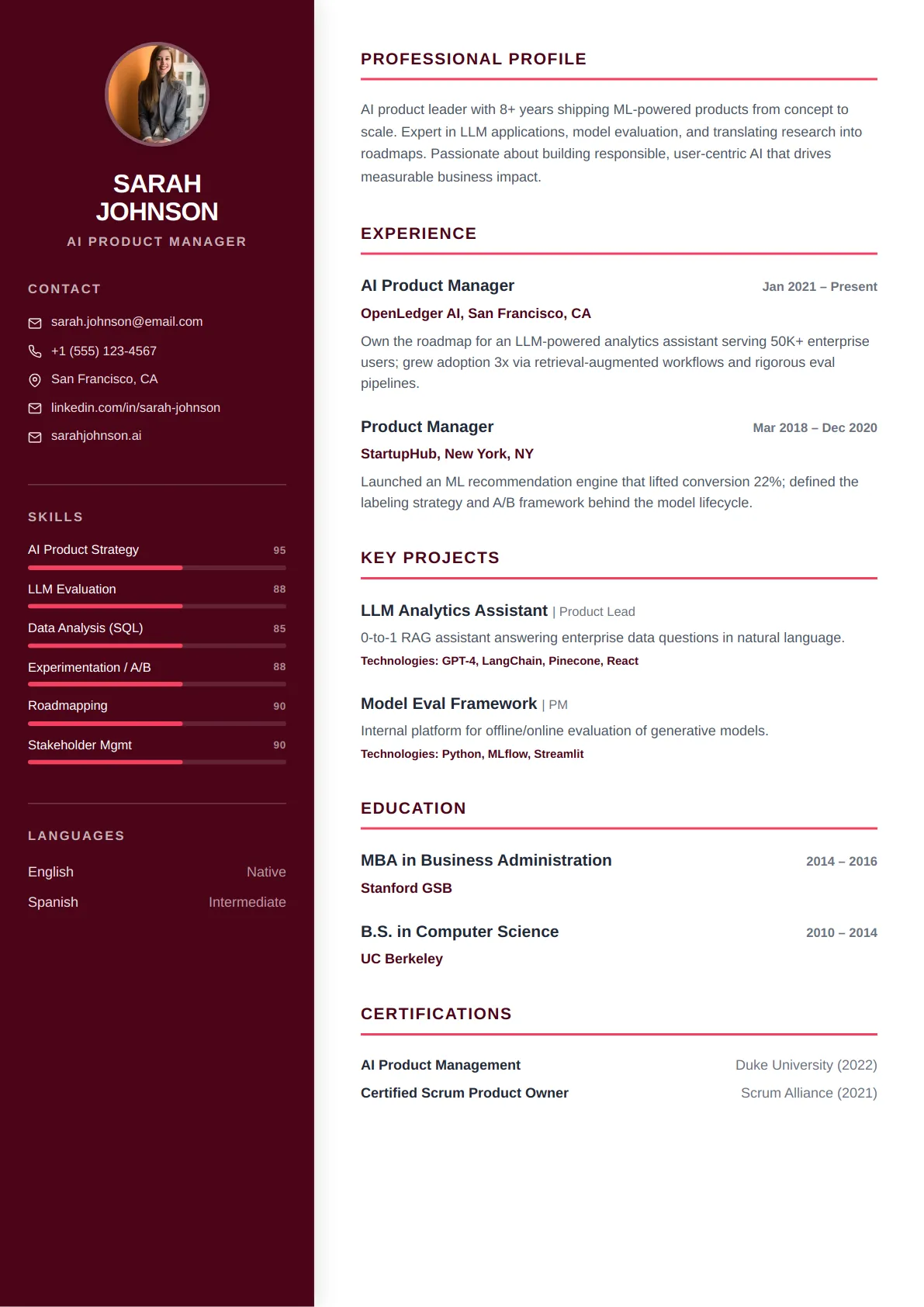
Professional resume templates use clean, conservative layouts that recruiters and Applicant Tracking Systems read easily. They keep the focus on your experience with clear section headers, balanced spacing, and timeless typography — ideal for corporate and formal industries.
Popular Professional resume templates
Every layout below is ATS-tested and free to edit — open one to preview it full size.
Who professional resume templates are best for
- Corporate and office roles
- Finance, consulting and law
- Conservative or traditional industries
- Mid-level to senior professionals
Every Professional template is ATS-friendly
All CraftMyDocs templates are tested against Applicant Tracking Systems, so your resume parses cleanly and reaches a human recruiter. Pick a professional design, then customize colors, fonts, and sections — your content stays intact even if you switch templates later. Add AI-written bullet points and a real-time ATS score as you go.
What makes a resume layout read as "professional"
The professional category is defined by restraint. Section headings sit flush left in a single weight, body copy runs in one serif or one neutral sans-serif, and colour is limited to a rule line or a muted heading tint. Nothing competes with the words. That is deliberate: in banking, consulting, law and most corporate functions the reader is scanning for employer names, titles, dates and outcomes, and any layout device that slows that scan costs you. These templates use a single column or a narrow right-hand rail for contact details, so the reading order is unambiguous on paper and in an applicant tracking system.
How to fill it in so the restraint works for you
A quiet layout puts pressure on the content. Lead every position with the scope you owned — team size, budget, book of business, region — then two to four bullets that each end in a number. Keep the professional summary to three lines and make the first one your title plus years plus specialism ("Corporate finance manager, 9 years, FP&A for listed retailers"). Use the Skills section for named systems and certifications (SAP, CPA, Series 7), not adjectives. If you have more than ten years, cut anything before the last decade to a single "Earlier career" line; a professional template looks best at one page for under ten years and two for more.
Formatting rules recruiters in these fields expect
Dates right-aligned and formatted the same way throughout (MMM YYYY). Company on its own line, title on the next, never both in one run-on. No photo for US, UK or Canadian applications. Margins of at least 0.6 inch and body text no smaller than 10.5 pt — a partner or hiring manager will often read this printed. Save as PDF unless the posting asks for Word, and name the file Firstname-Lastname-Resume.pdf. Every professional template here keeps headings as real text rather than images, so a parser reads them as section boundaries.
Professional resume template FAQs
Is a professional template too plain to stand out?
In corporate hiring, standing out visually is rarely the goal — being read completely is. A recruiter spends under a minute on the first pass and is looking for employer names, tenure and measurable results. A layout that delivers those in reading order beats one that draws the eye to a colour block. Let the numbers in your bullets do the differentiating.
Should I include a photo or a headshot?
Not for the US, UK, Canada or Australia, where many employers discard resumes with photos to avoid bias claims. Some European and Asian markets still expect one. If your market expects one, upload it in the Contact step of the builder: it appears only on the templates designed with a photo slot and is ignored by the rest, so switching to a photo-free design needs no edits.
One page or two for a professional resume?
Under ten years of experience: one page. Over ten, or in roles with many engagements (consulting, law): two is normal and a strict one-page cut usually removes your best evidence. What matters is that page one carries your current role and your three strongest results.
Do these templates pass applicant tracking systems?
Yes. They use a single reading column (or a contact rail that parsers read after the main column), real text headings with standard names, and no tables, text boxes or icons in the content area. You can run the built-in ATS checker on your finished resume to confirm every section was detected.
Role guides that pair with professional templates
Each guide has a summary example, the keywords applicant tracking systems look for and example bullets written for that title.
- Financial Analyst resume guideCraft a powerful resume that highlights your financial modeling, valuation, and strategic analysis expertise to land…
- Accountant resume guideCraft a Precision-Driven Resume That Balances Your Career Goals
- Project Manager resume guideBuild a Project Manager Resume That Delivers Results and Drives Your Career Forward
- Business Analyst resume guideCraft a Powerful Business Analyst Resume: Showcase Your Analytical Prowess & Drive Impact
- Operations Manager resume guideOptimize Your Career: Build an Operations Manager Resume That Delivers Results
- HR Manager resume guideCraft a powerful resume that showcases your strategic HR leadership and operational excellence.
Browse other template styles
Modern Resume Templates
Creative Resume Templates
Minimal Resume Templates
Executive Resume Templates
Technical Resume Templates
Academic Resume Templates