Minimal Resume Templates
Minimalist resume templates strip everything back to what matters: your content. With generous white space, restrained typography, and no visual clutter, they're highly readable for both humans and ATS — a safe, elegant choice for any role.
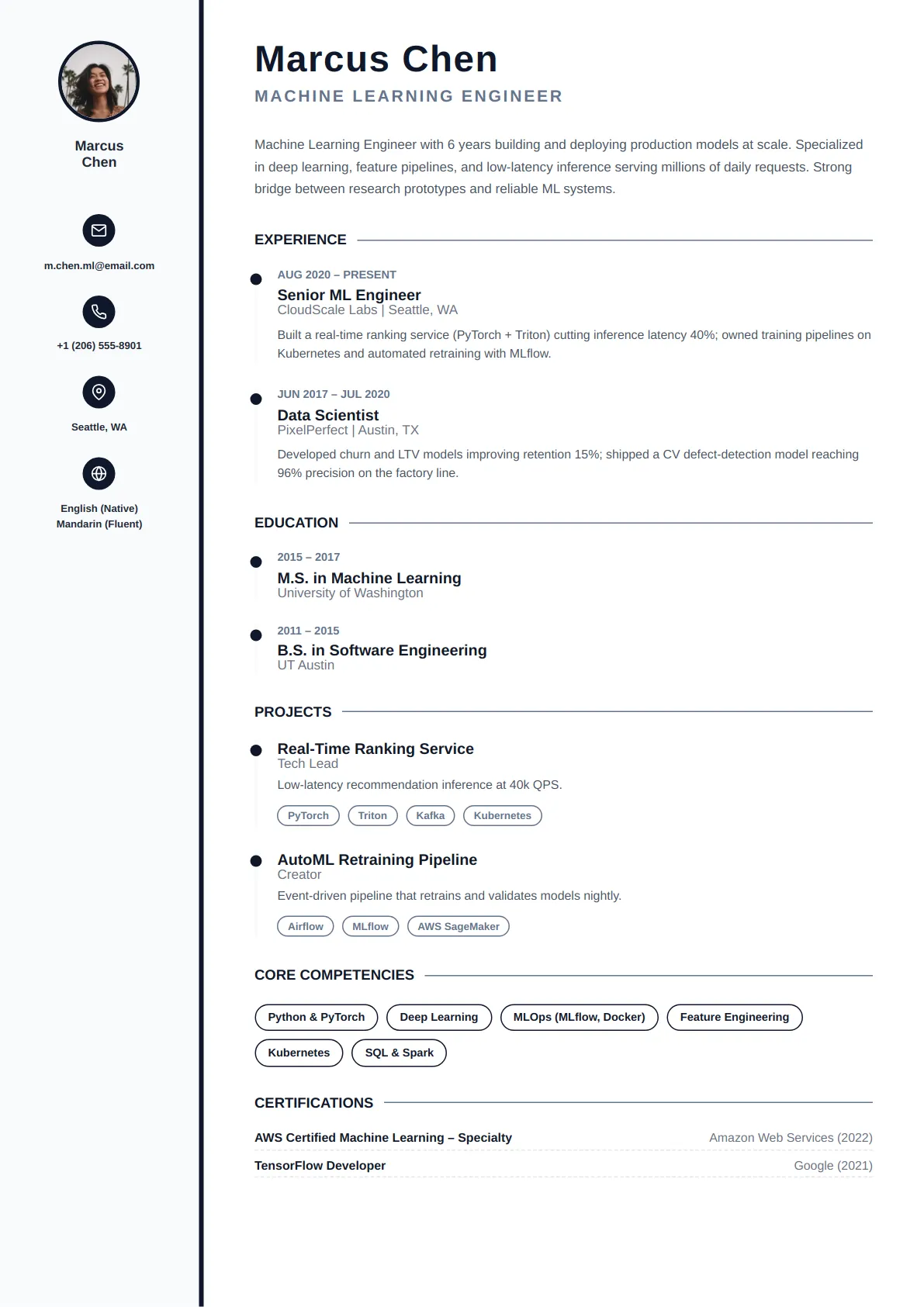
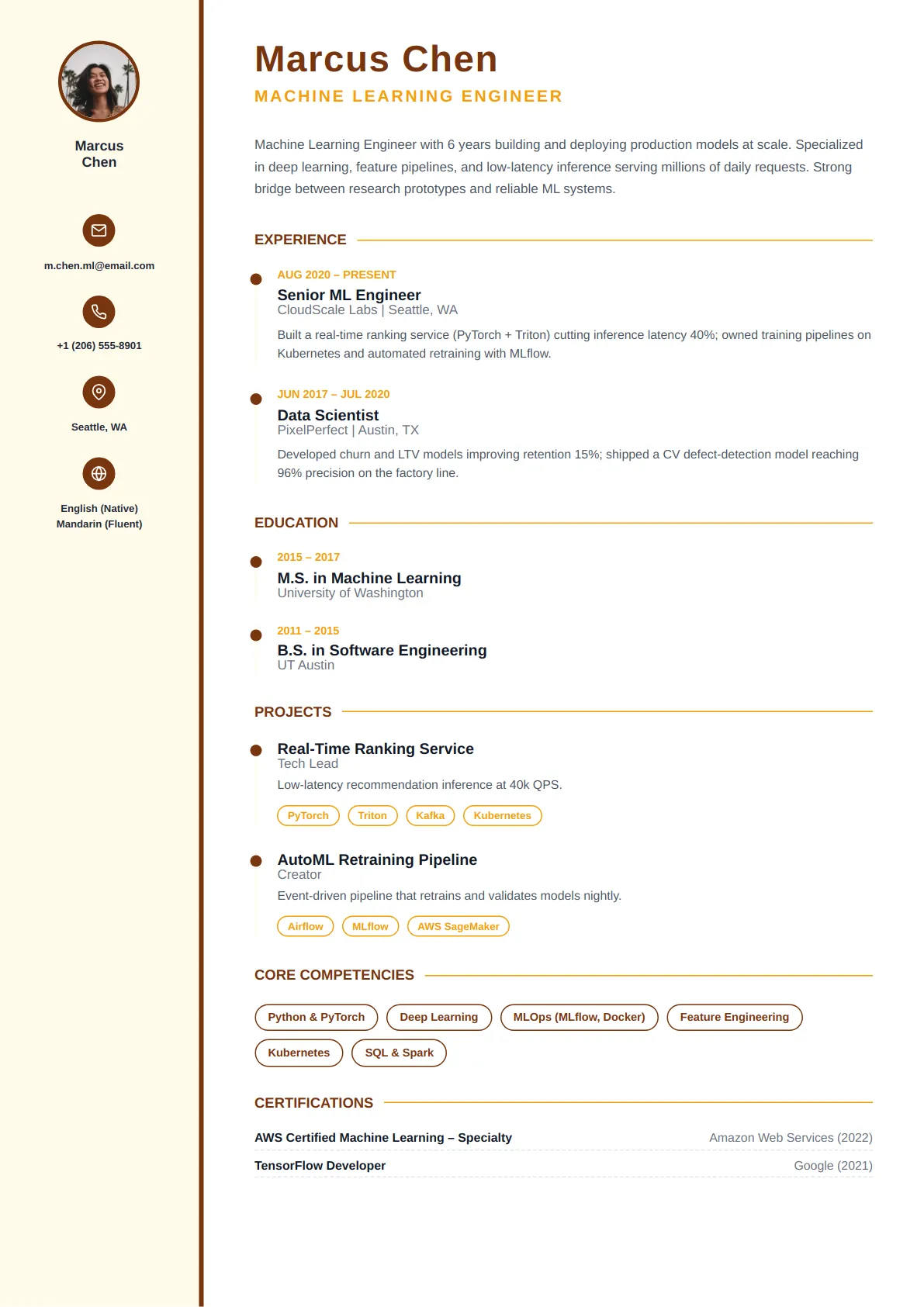
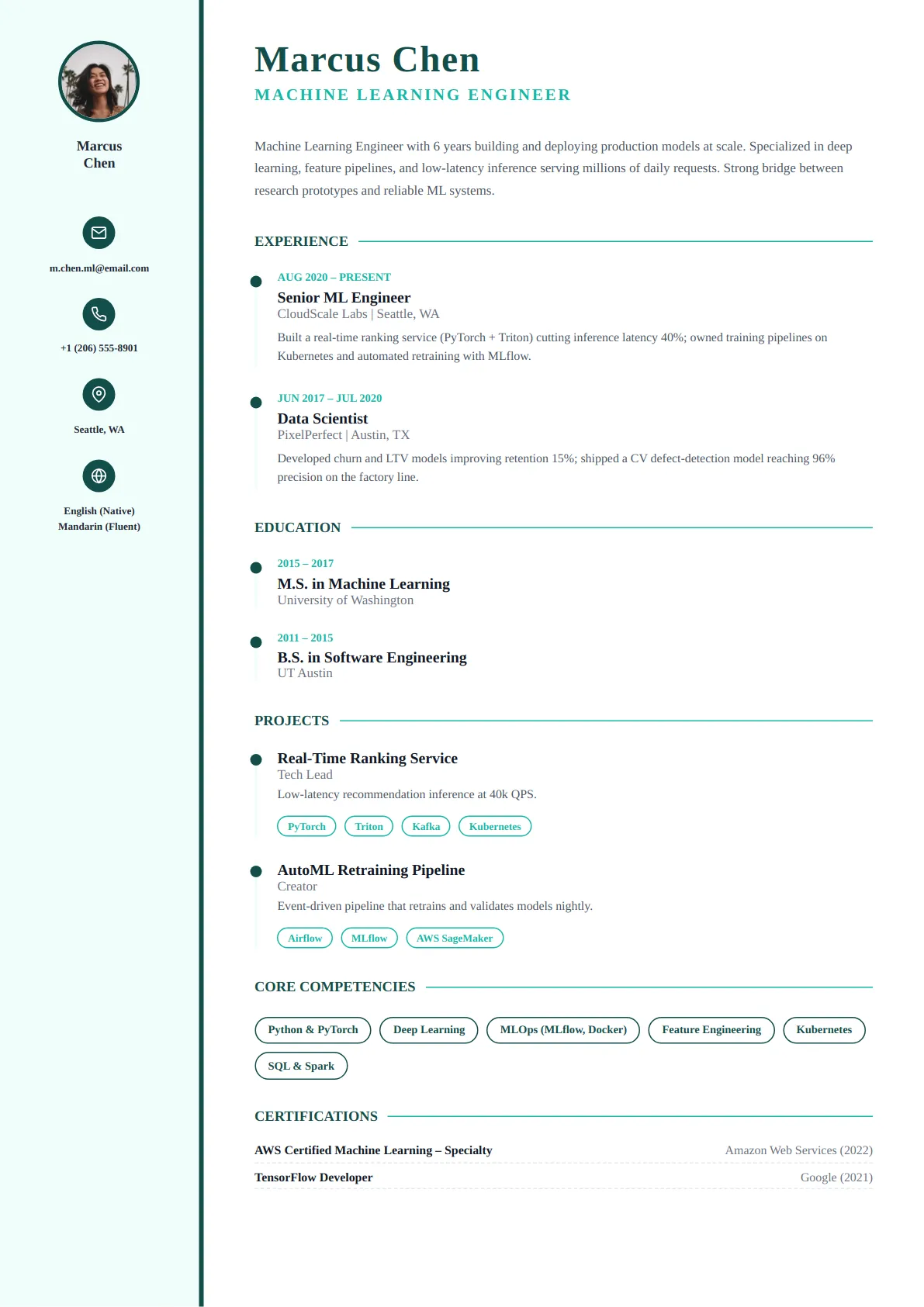
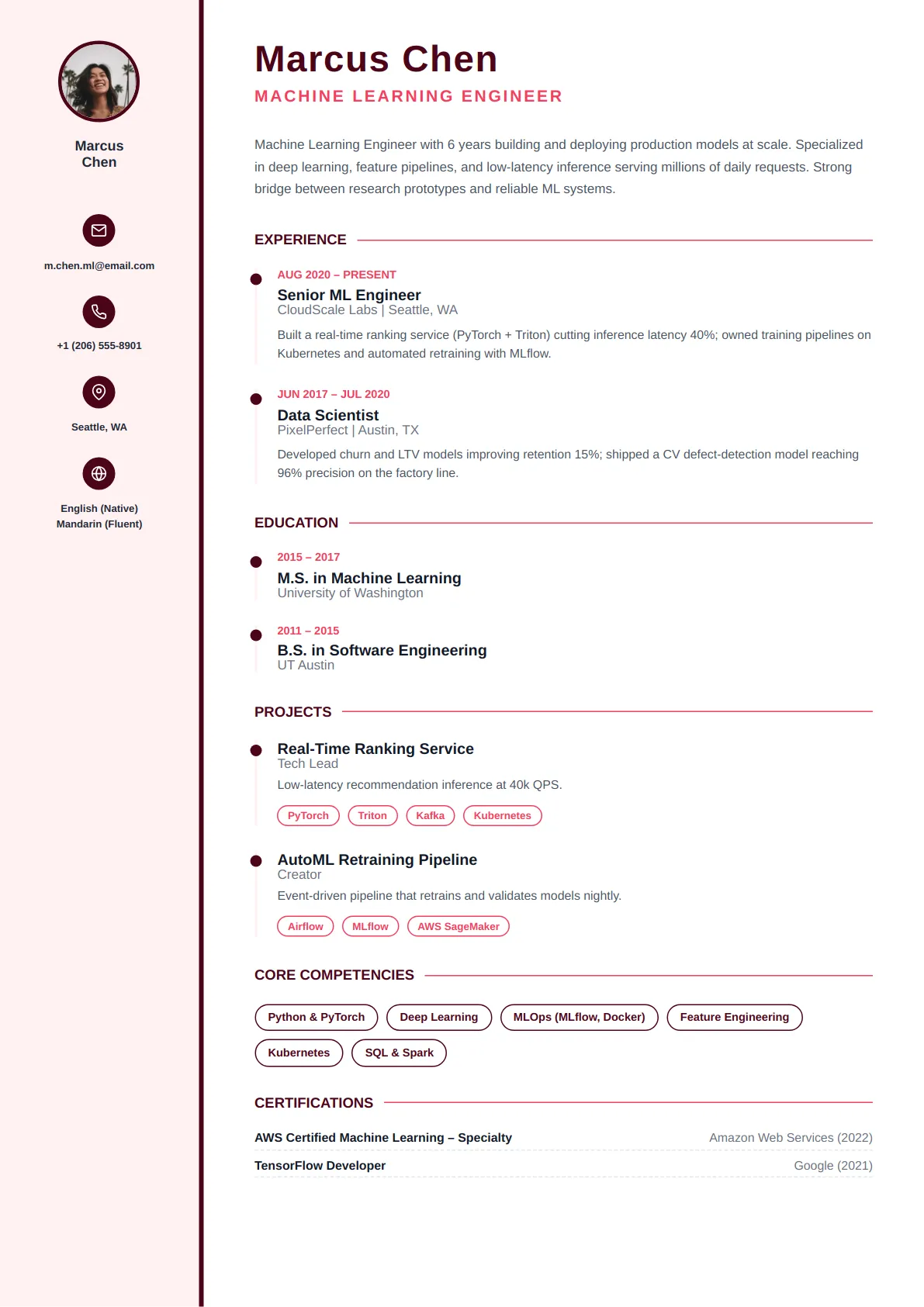
Popular Minimal resume templates
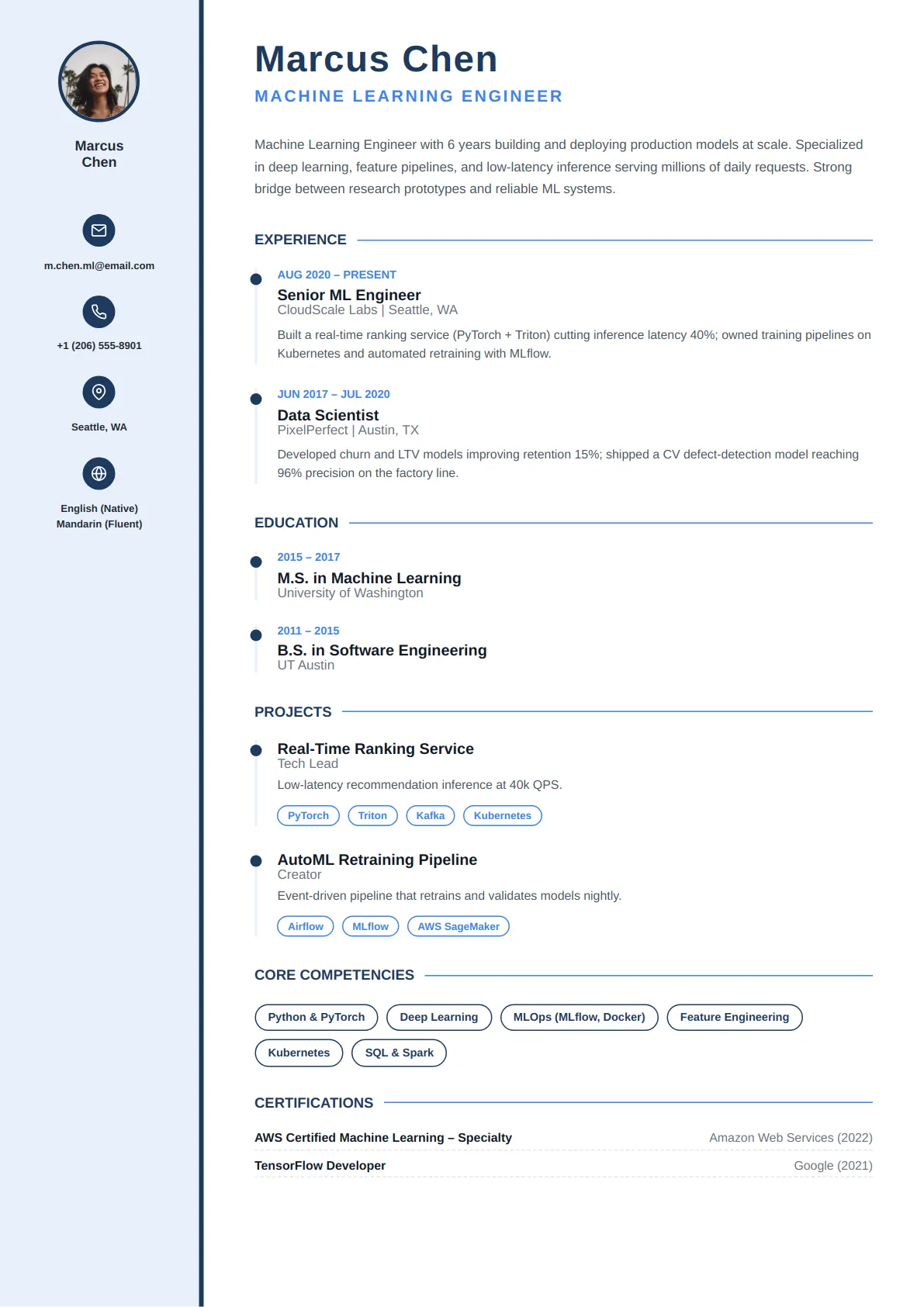
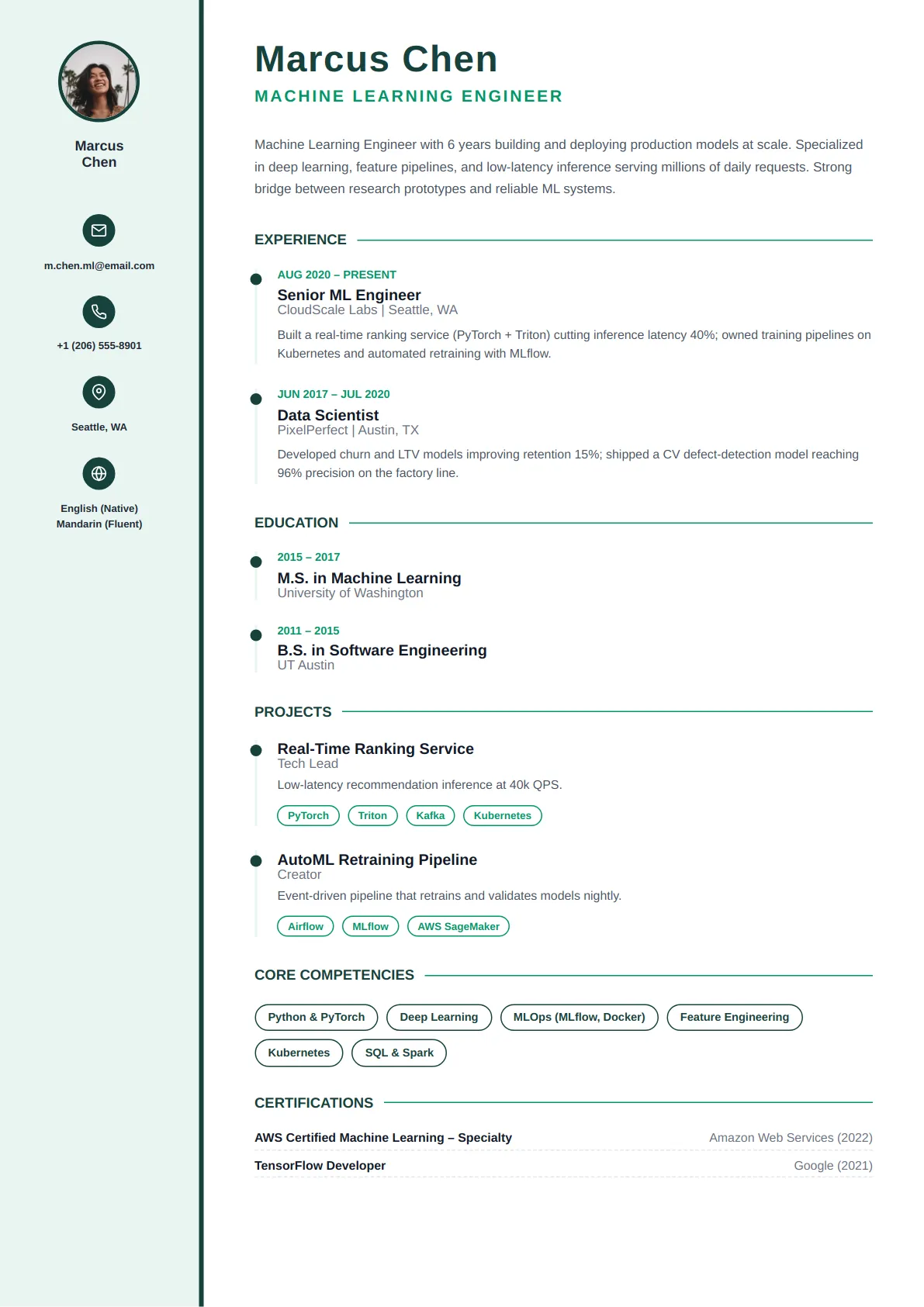
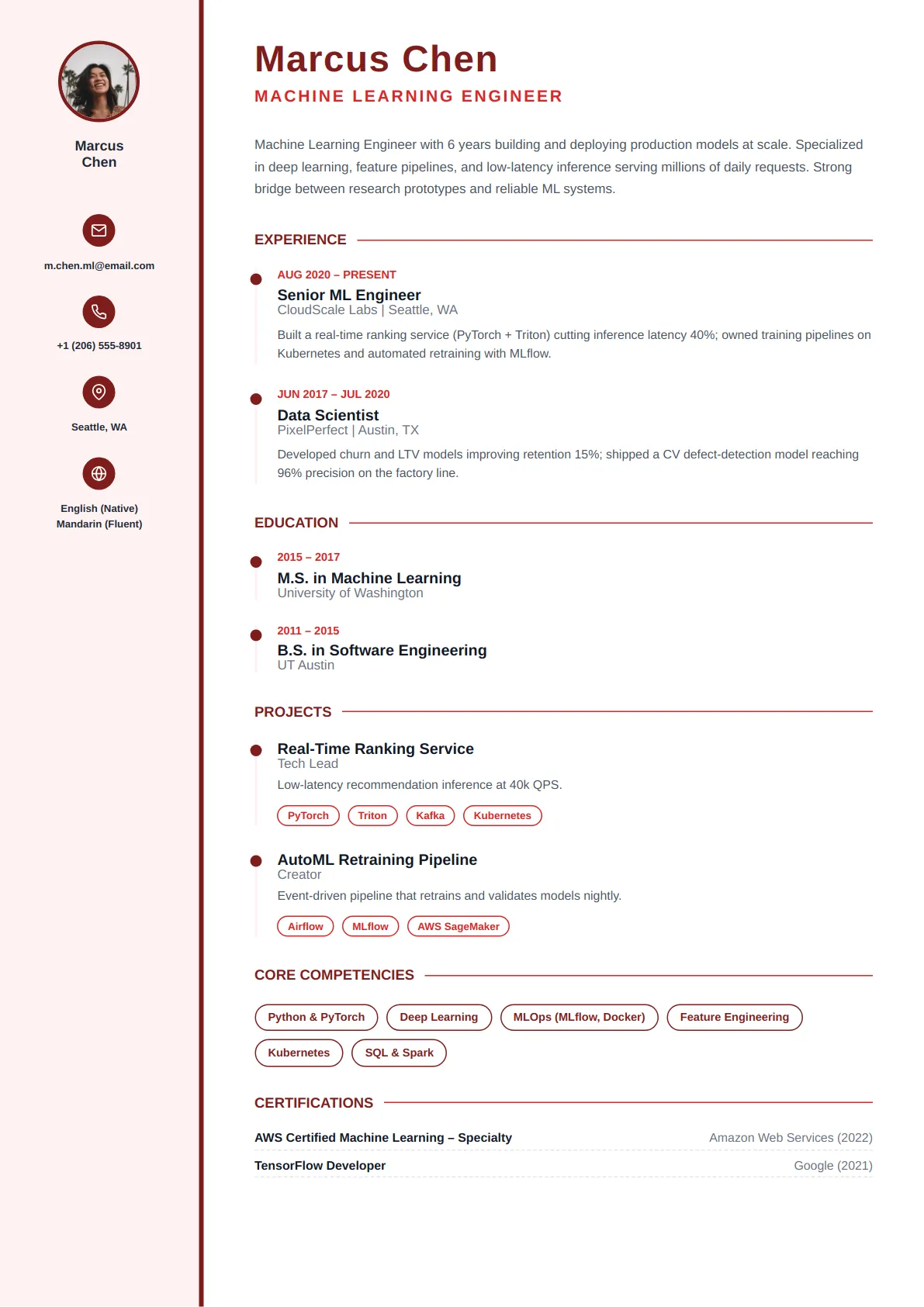
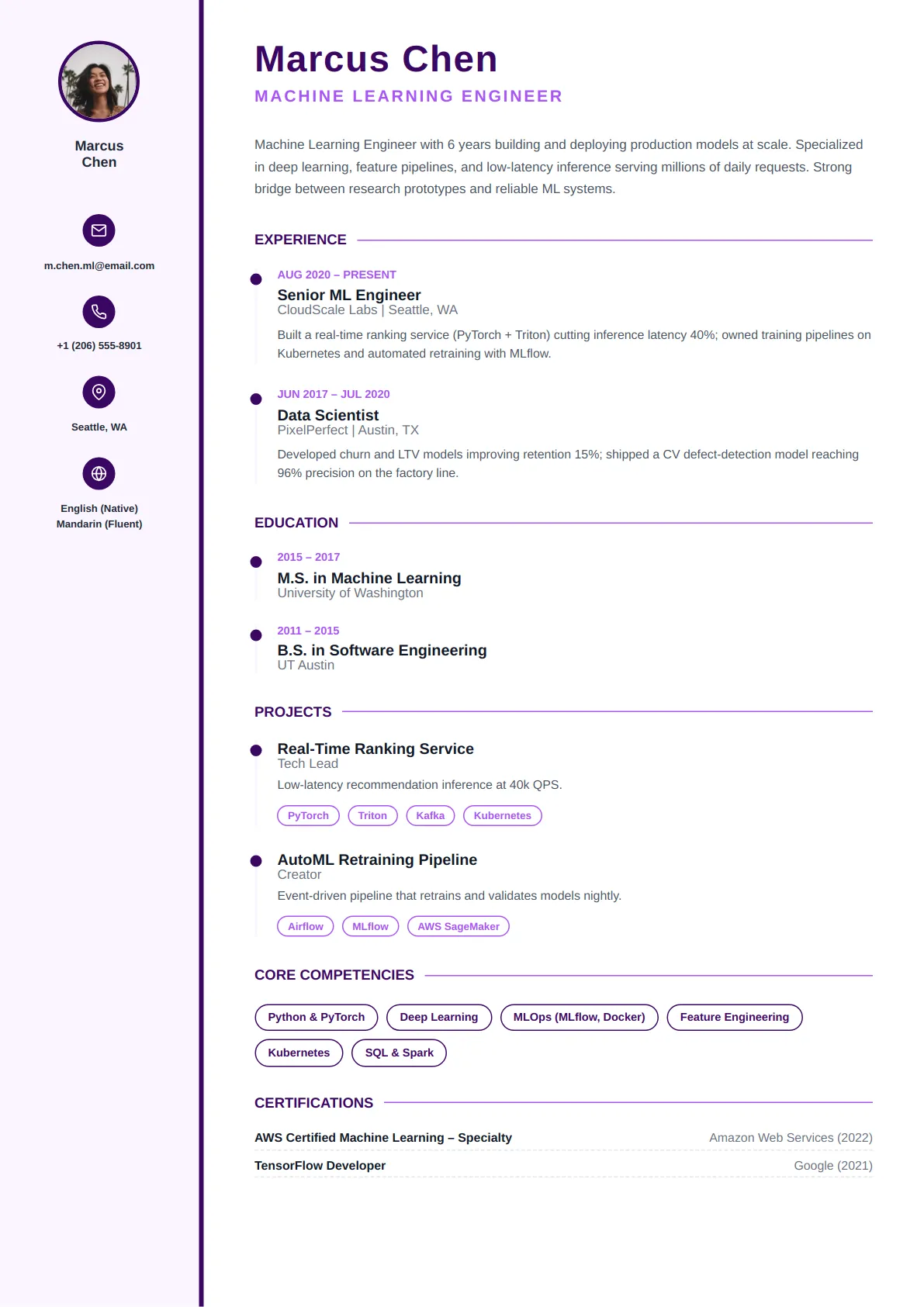
Every layout below is ATS-tested and free to edit — open one to preview it full size.
Who minimal resume templates are best for
- Any industry or role
- Candidates who prefer clean simplicity
- Maximum ATS compatibility
- Content-heavy resumes
Every Minimal template is ATS-friendly
All CraftMyDocs templates are tested against Applicant Tracking Systems, so your resume parses cleanly and reaches a human recruiter. Pick a minimal design, then customize colors, fonts, and sections — your content stays intact even if you switch templates later. Add AI-written bullet points and a real-time ATS score as you go.
Why the plainest layout is often the strongest choice
Minimal templates strip the resume to type, spacing and a few hairline rules. There is no sidebar, no accent block, often no colour at all. That makes them the most robust format there is: every applicant tracking system, every email preview, every printer and every screen reader handles them identically. They also give the most room to content — a minimal template fits roughly 15–20% more text on a page than a two-column layout at the same font size, which is why they suit candidates with long or dense experience.
Making a minimal resume look intentional rather than unfinished
The difference between minimal and plain is consistency. Pick one typeface and use two weights. Align every date to the same right margin. Keep section spacing identical throughout — the templates enforce this, but if you add or remove sections, check the rhythm still holds. Use a hairline rule under headings, not above and below. Let your name be the only element above 14 pt. A minimal resume with a single misaligned date looks careless in a way a busy layout can hide; the reward for getting it right is that the reader's attention goes entirely to your record.
Who should choose minimal, and what to write
Anyone applying at volume through job boards, anyone in a conservative field who wants something lighter than the classic professional look, and anyone with more than twelve years of experience who needs the density. Write for scanning: bold the employer or the title (one, not both), start bullets with the result where you can ("Cut onboarding time 40% by…"), and keep bullets to two lines. Because the layout offers no visual hierarchy beyond type, your first bullet under each role carries the most weight — make it the biggest number.
Minimal resume template FAQs
Does a minimal resume look low-effort to recruiters?
No — it looks like a resume, which is what recruiters expect. The templates recruiters most often describe as low-effort are the ones with default Word styling and inconsistent spacing. A minimal template with disciplined alignment and typography reads as confident, and it is the format most senior candidates and most law, finance and government applicants use.
Can I add a little colour to a minimal template?
Yes. Customize lets you set one accent for headings or your name. Keep it dark and use it in one place; the moment it appears in three places the template has become a modern one, which is fine, but is a different choice.
Which minimal template fits the most content?
The single-column variants with 0.6-inch margins and 10.5 pt body text hold the most. In the builder, the Density control under Customize compacts spacing further without shrinking type below a readable size, and the live page count shows the result immediately.
Are minimal templates the best for ATS?
They are the safest, because there is nothing for a parser to misread — one column, real text headings, standard section names, no graphics. Any template in the library passes the ATS checker; minimal templates simply leave the fewest things that could go wrong.
Role guides that pair with minimal templates
Each guide has a summary example, the keywords applicant tracking systems look for and example bullets written for that title.
- Software Engineer resume guideBuild a technical resume that showcases your coding prowess, problem-solving skills, and project impact to top tech…
- Accountant resume guideCraft a Precision-Driven Resume That Balances Your Career Goals
- Administrative Assistant resume guideCraft a Professional Resume That Gets You Hired in Top Support Roles
- Data Analyst resume guideUnlock Your Data Career: Build a Powerful Resume Tailored for Data Analyst Roles
- Project Manager resume guideBuild a Project Manager Resume That Delivers Results and Drives Your Career Forward
- Teacher resume guideEmpower Your Teaching Career: Design a Resume That Educates and Impresses Hiring Committees
Browse other template styles
Executive Resume Templates
Technical Resume Templates
Academic Resume Templates
Sales & Marketing Resume Templates
Healthcare Resume Templates
Student Resume Templates