Technical Resume Templates
Technical resume templates are structured to showcase skills, tech stacks, and projects clearly — with dedicated sections that help engineers and IT professionals get past keyword-based ATS filters and into the interview.
Popular Technical resume templates
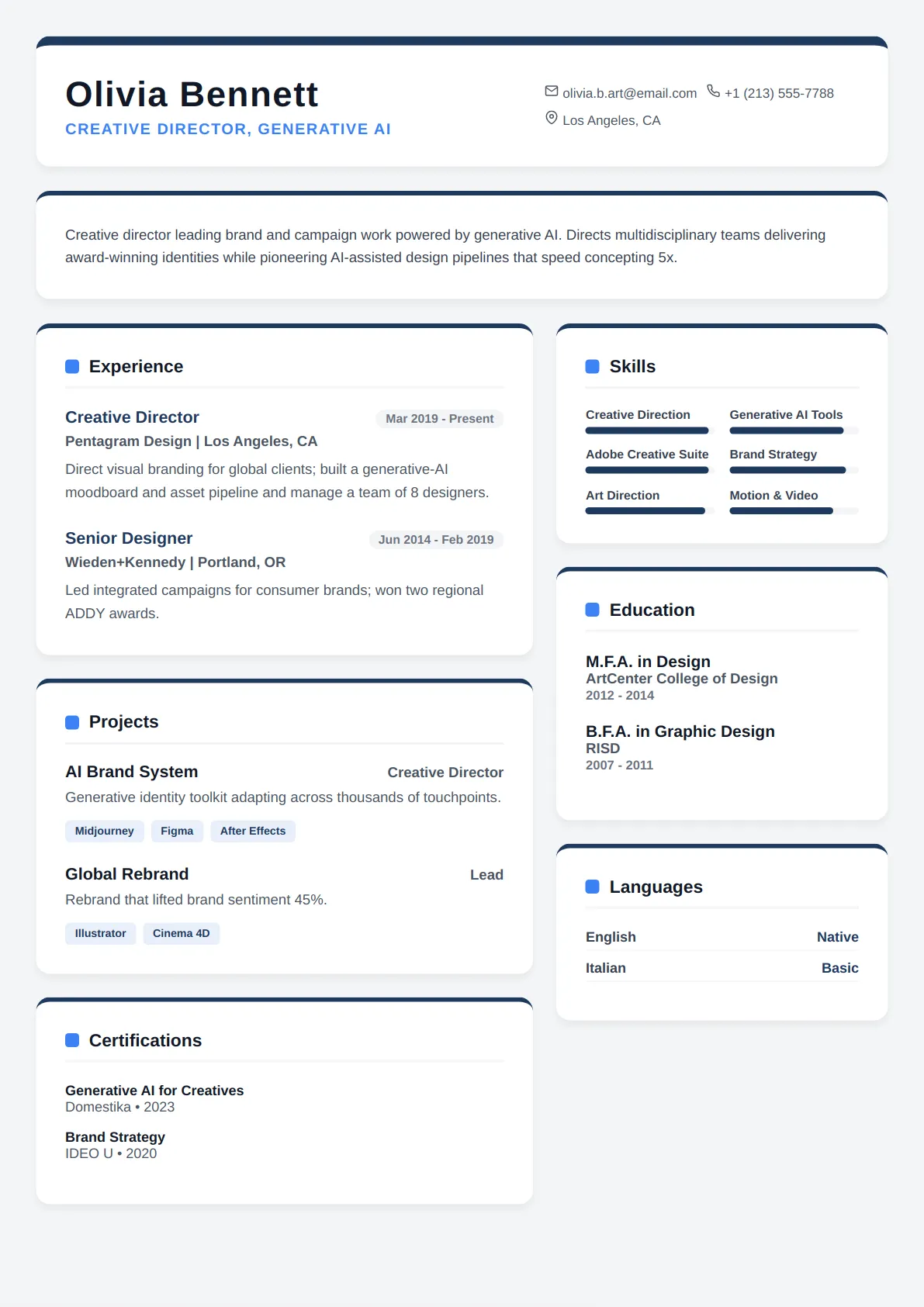
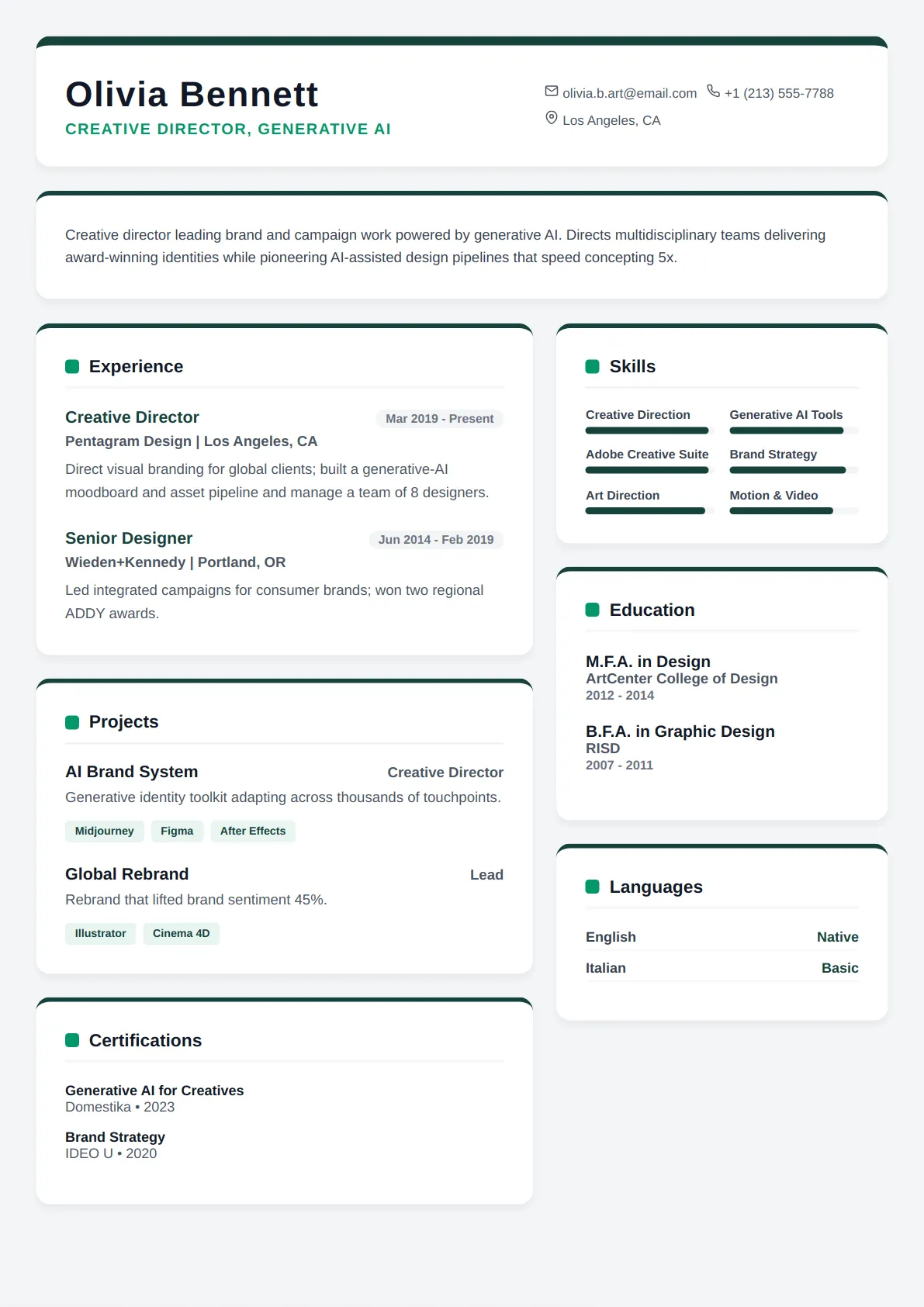
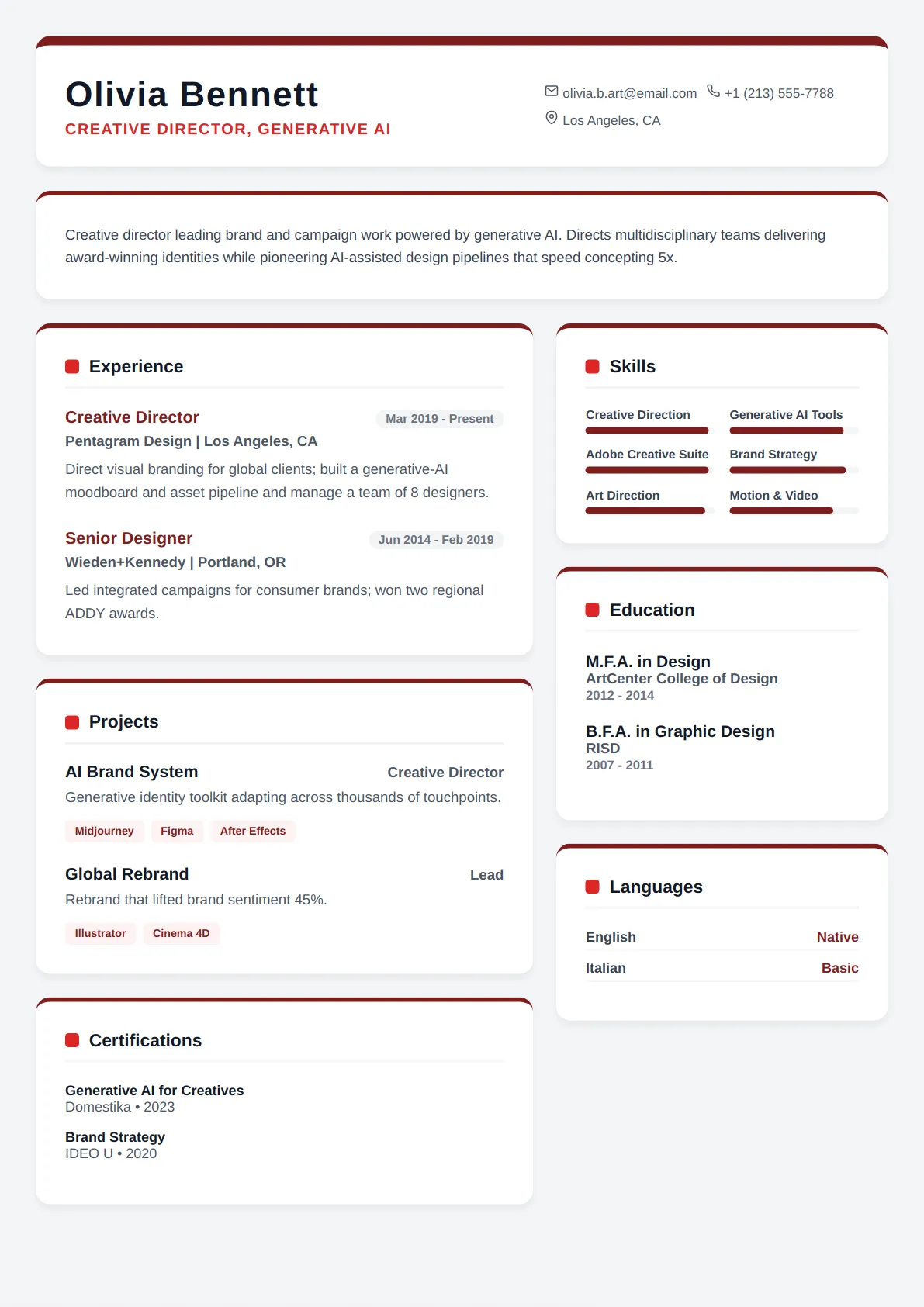
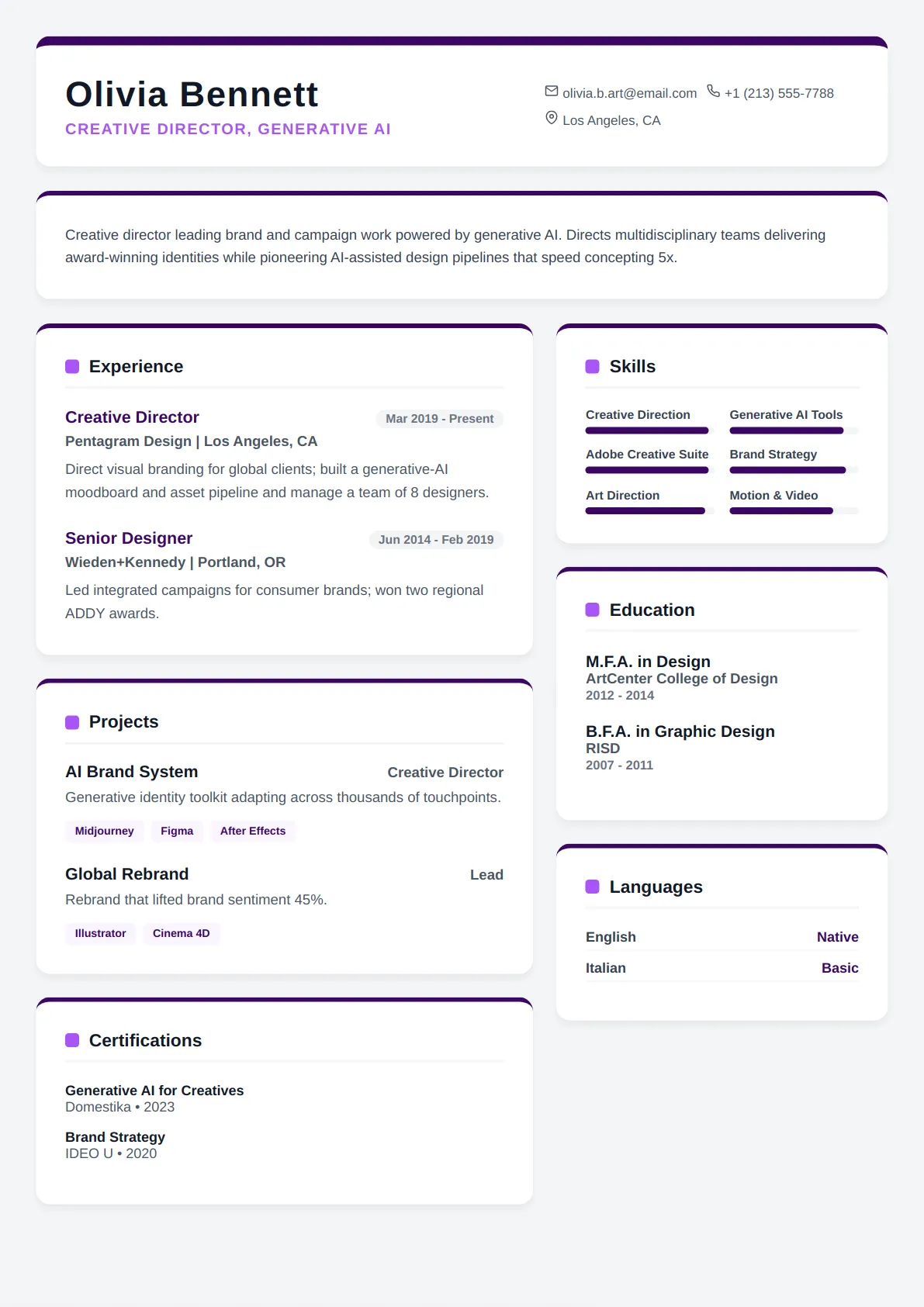
Every layout below is ATS-tested and free to edit — open one to preview it full size.
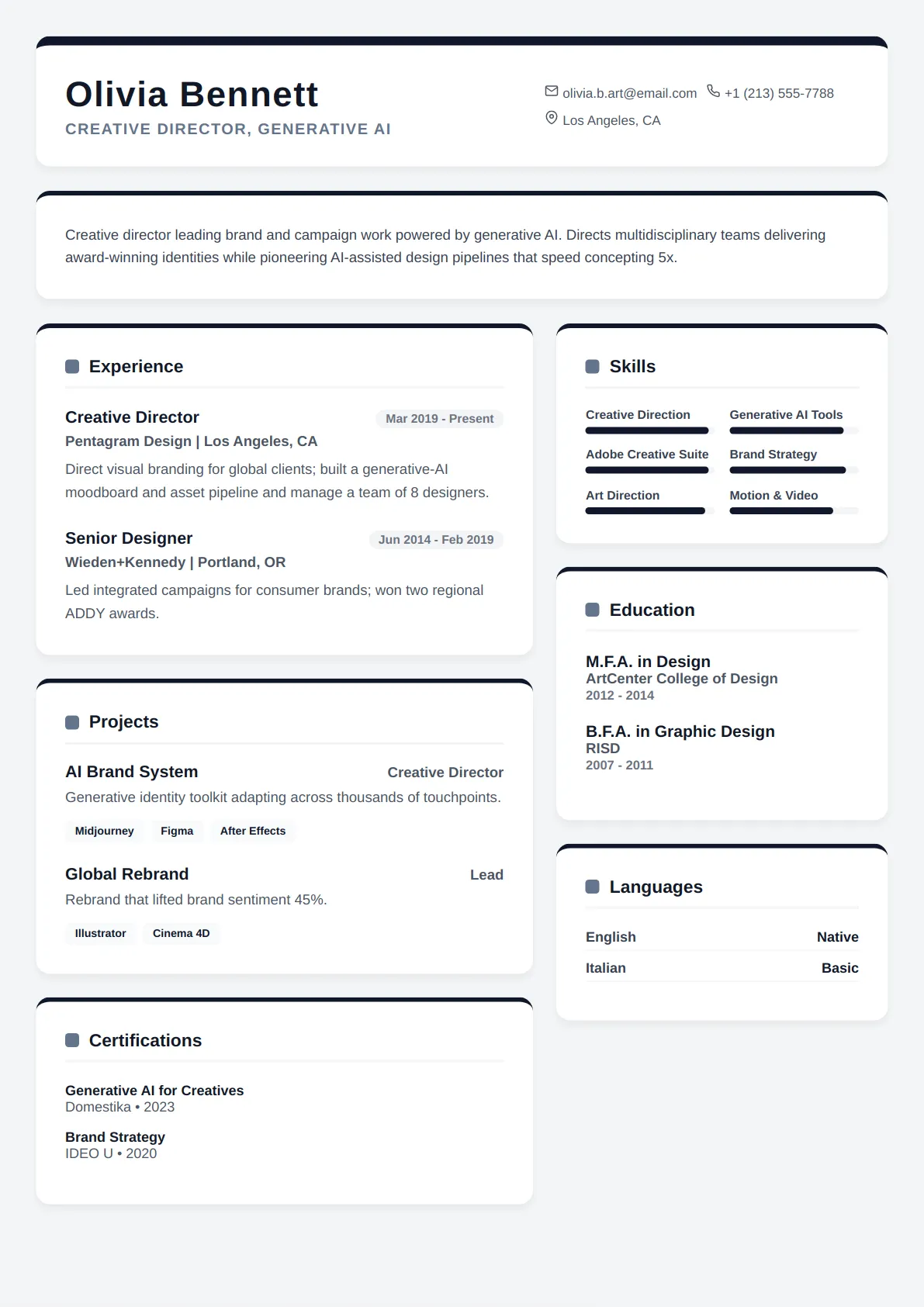
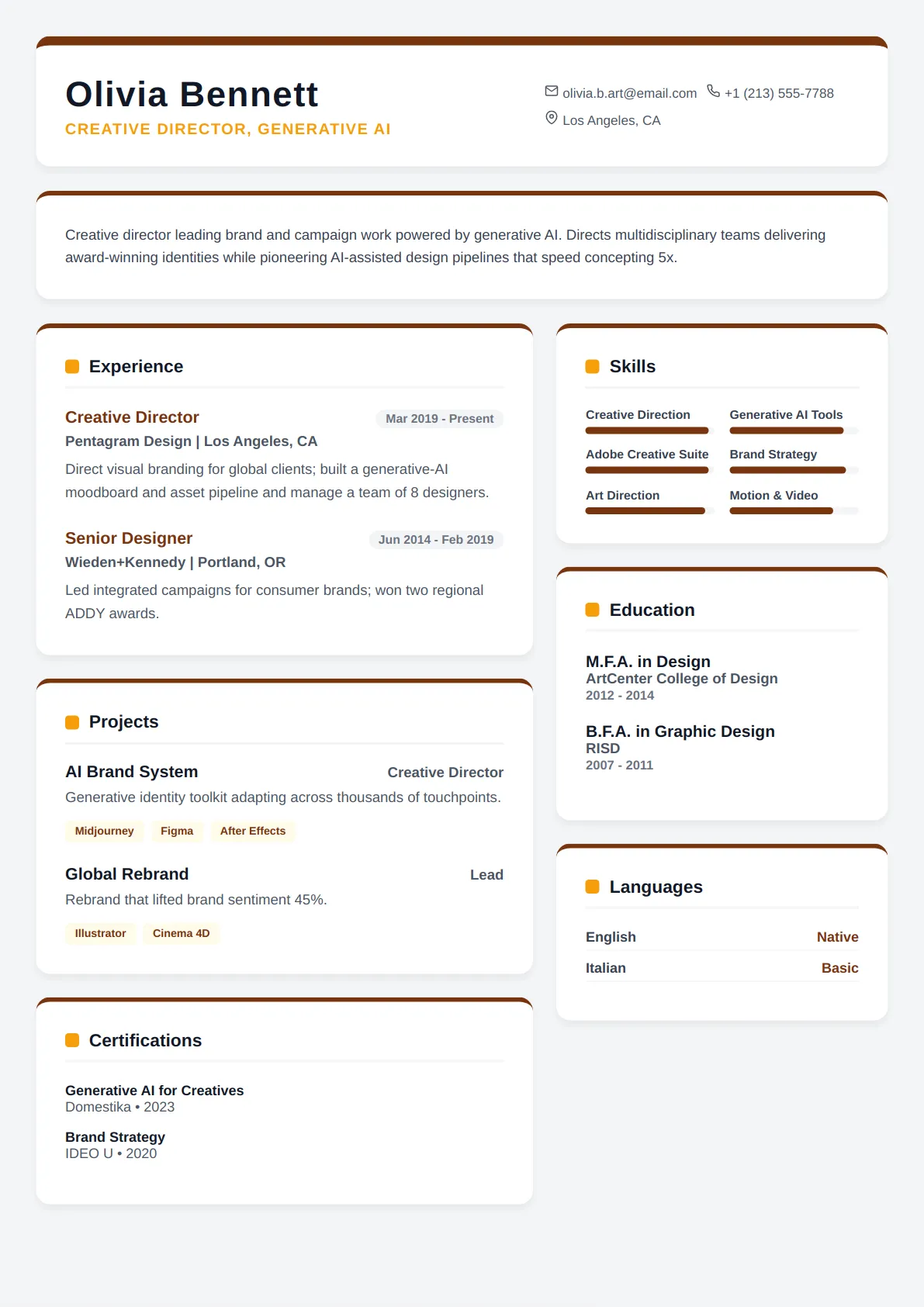
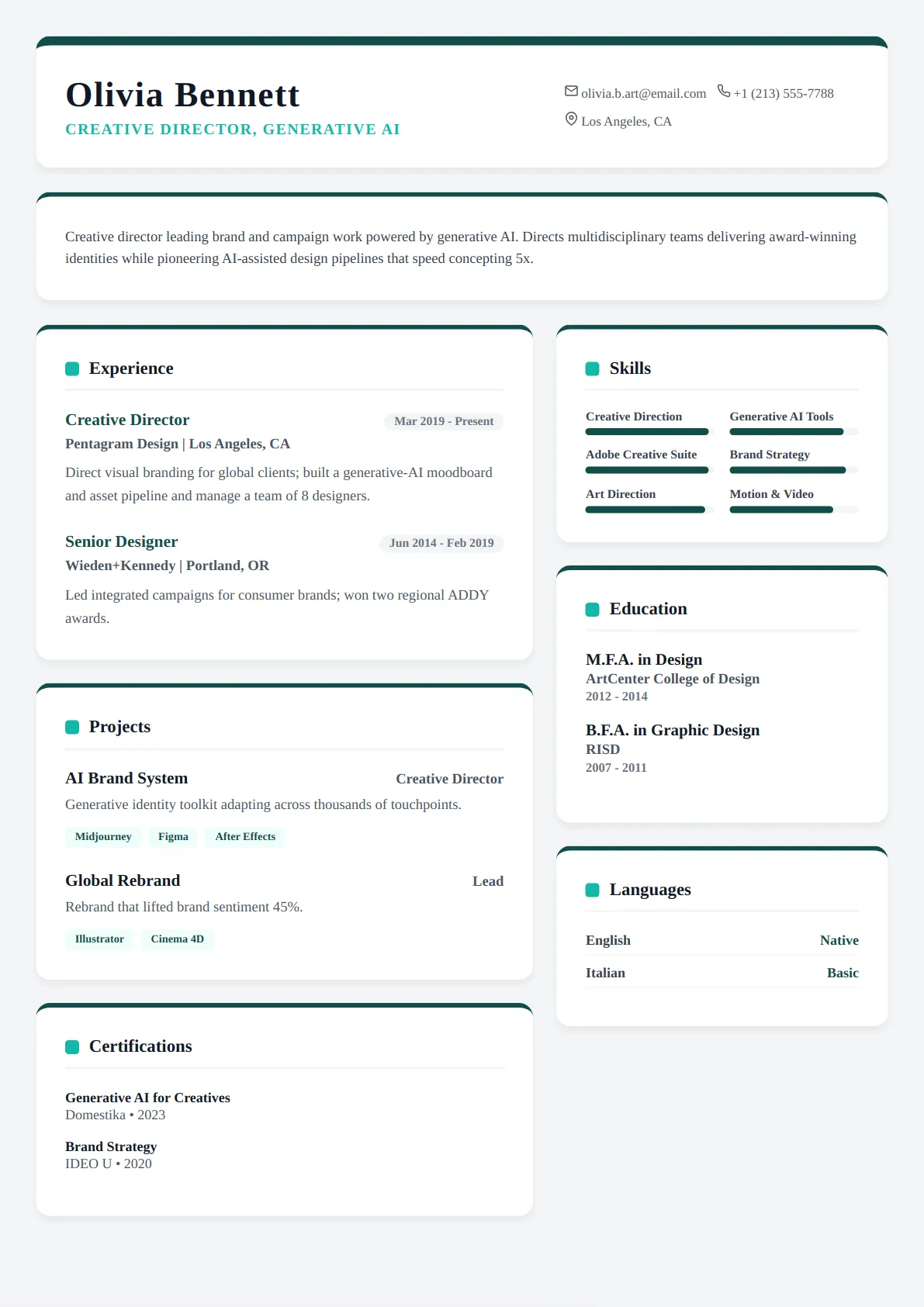
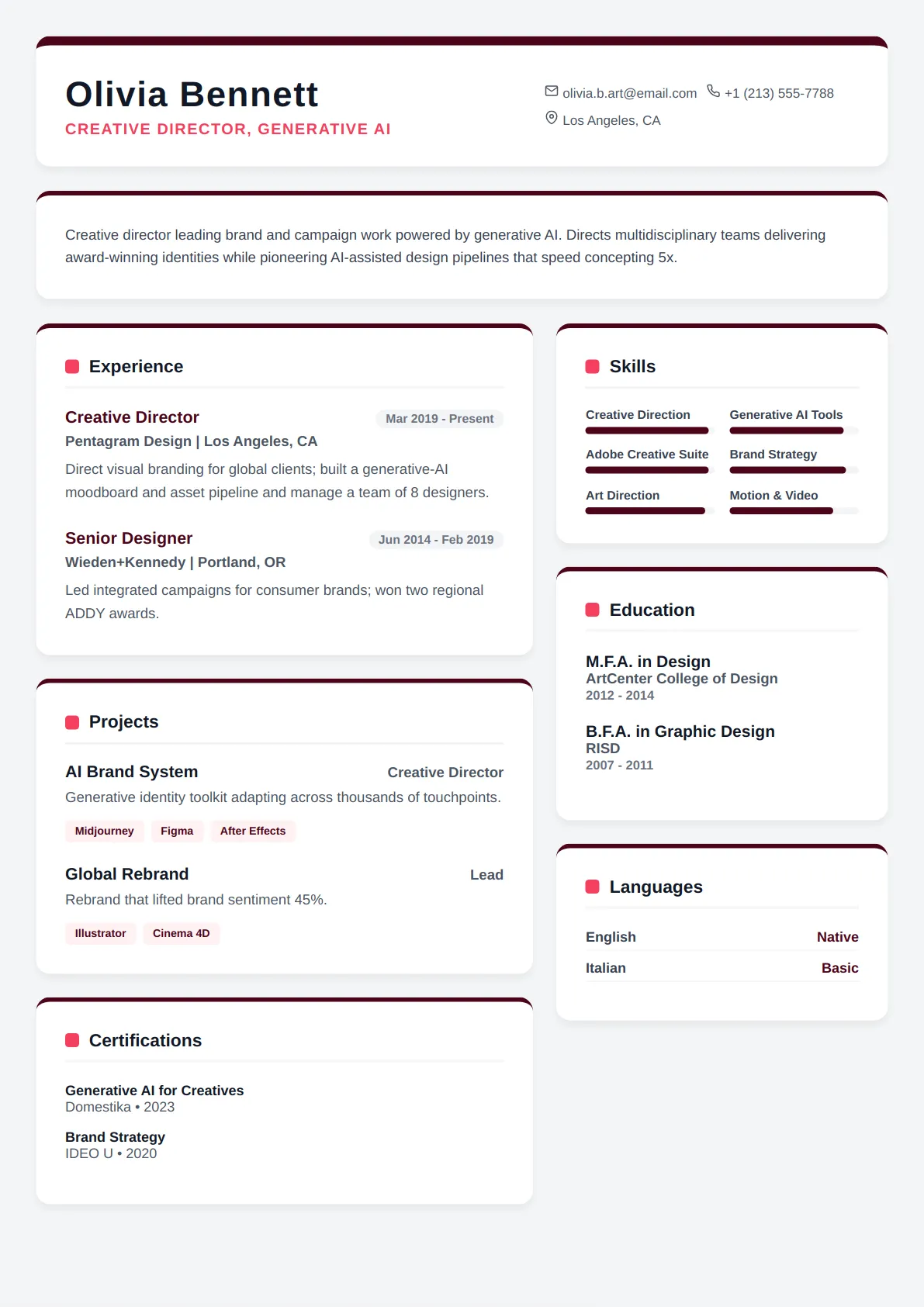
Who technical resume templates are best for
- Software engineers and developers
- IT and DevOps professionals
- Data and ML roles
- Skills-heavy technical resumes
Every Technical template is ATS-friendly
All CraftMyDocs templates are tested against Applicant Tracking Systems, so your resume parses cleanly and reaches a human recruiter. Pick a technical design, then customize colors, fonts, and sections — your content stays intact even if you switch templates later. Add AI-written bullet points and a real-time ATS score as you go.
What a technical resume must make scannable in eight seconds
Engineering hiring managers and recruiters look for three things immediately: the stack you have shipped in production, the scale of the systems you have worked on, and whether you have owned something end to end. Technical templates therefore put a grouped Skills section near the top — Languages, Frameworks, Infrastructure, Data — and give each role room for four to six bullets. The layout is single-column or has a narrow skills rail, uses a monospace or technical sans-serif for headings, and keeps links (GitHub, portfolio, published packages) in the header where they are clickable in the PDF.
Writing bullets that survive a technical reader
Every bullet should name the technology and the outcome: "Migrated the order service from a Rails monolith to Go microservices on Kubernetes, cutting p95 latency from 800 ms to 120 ms and on-call pages by 70%." Avoid claiming a technology you cannot discuss in depth — technical interviewers probe the resume line by line. Group skills by how you actually use them and drop anything you last touched more than five years ago unless the posting asks for it. For data and ML roles, include the size of the data and the metric the model moved. For DevOps and SRE, include the uptime, the fleet size and the incident numbers.
Sections that belong on a technical resume and where
Order for most engineers: header with links, one-line summary, Skills, Experience, Projects, Education, Certifications. Move Projects above Experience only if you are early-career or changing stacks and the projects are the stronger evidence. Certifications (AWS, GCP, CKA, Security+) belong in their own short section with the year. Publications and patents get a section if they exist. Leave out soft-skill lists; show collaboration inside the bullets ("paired with two product managers to…"). The technical templates render these sections in a fixed order that parsers recognise, and the section names are the ones ATS taxonomies expect.
Technical resume template FAQs
How many technologies should I list in the Skills section?
Enough to cover the posting and prove your depth, typically 12–20 across three or four groups. Listing forty items signals that most are shallow. Put the ones you would happily be interviewed on first in each group, and drop anything you cannot discuss in detail.
Should I include personal or open-source projects?
Yes when they show something the job history does not — a language you are moving into, work at a scale your employer did not offer, or maintained open source with real users. Give each project one line with the stack and a link. Three strong projects beat a list of ten tutorials.
Do technical templates work for non-software engineering roles?
The technical category is built around software, data and IT. Civil, mechanical, electrical and manufacturing engineers usually do better with the Engineering category, which handles licences, standards and project scale differently.
Will a two-column technical template break ATS parsing?
Not the ones here — the skills rail is placed after the main column in document order, so an ATS reads your experience first and your skills list second, the same way a person would. Avoid templates built with Word tables for the same layout; those are the ones that scramble.
Role guides that pair with technical templates
Each guide has a summary example, the keywords applicant tracking systems look for and example bullets written for that title.
- Software Engineer resume guideBuild a technical resume that showcases your coding prowess, problem-solving skills, and project impact to top tech…
- DevOps Engineer resume guideBuild an Impactful DevOps Resume: Master Cloud, Automation, and CI/CD
- Data Scientist resume guideBuild an impactful Data Scientist resume that showcases your analytical prowess, machine learning expertise, and…
- Machine Learning Engineer resume guideCraft a data-driven resume that showcases your expertise in AI and Machine Learning.
- Cloud Engineer resume guideBuild Your Professional Cloud Engineering Resume in Minutes
- Cybersecurity Analyst resume guideSecure Your Next Career Move: Tailored Resumes for Cybersecurity Professionals
Browse other template styles
Academic Resume Templates
Sales & Marketing Resume Templates
Healthcare Resume Templates
Student Resume Templates
Finance & Legal Resume Templates
Engineering Resume Templates