Modern Resume Templates
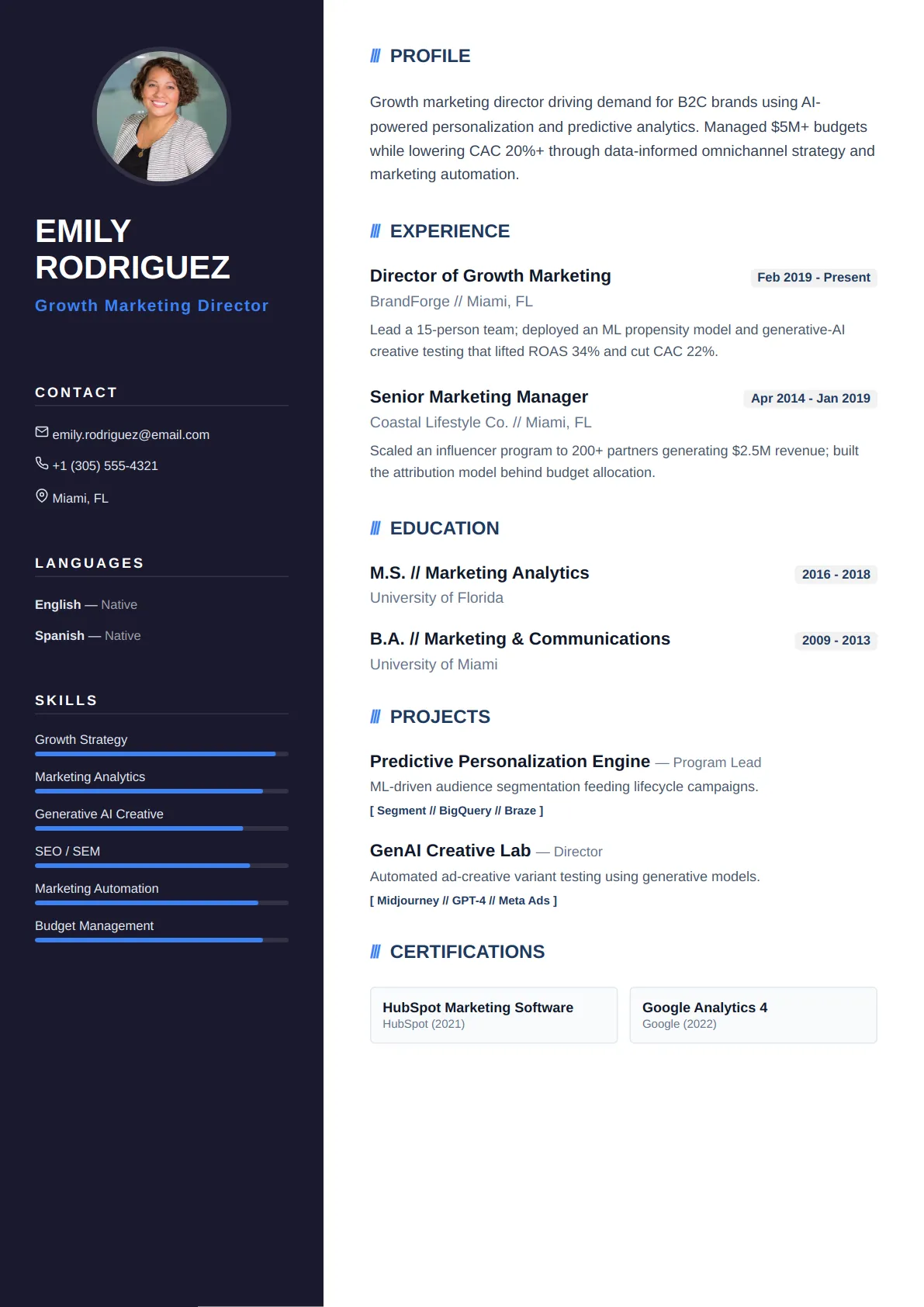
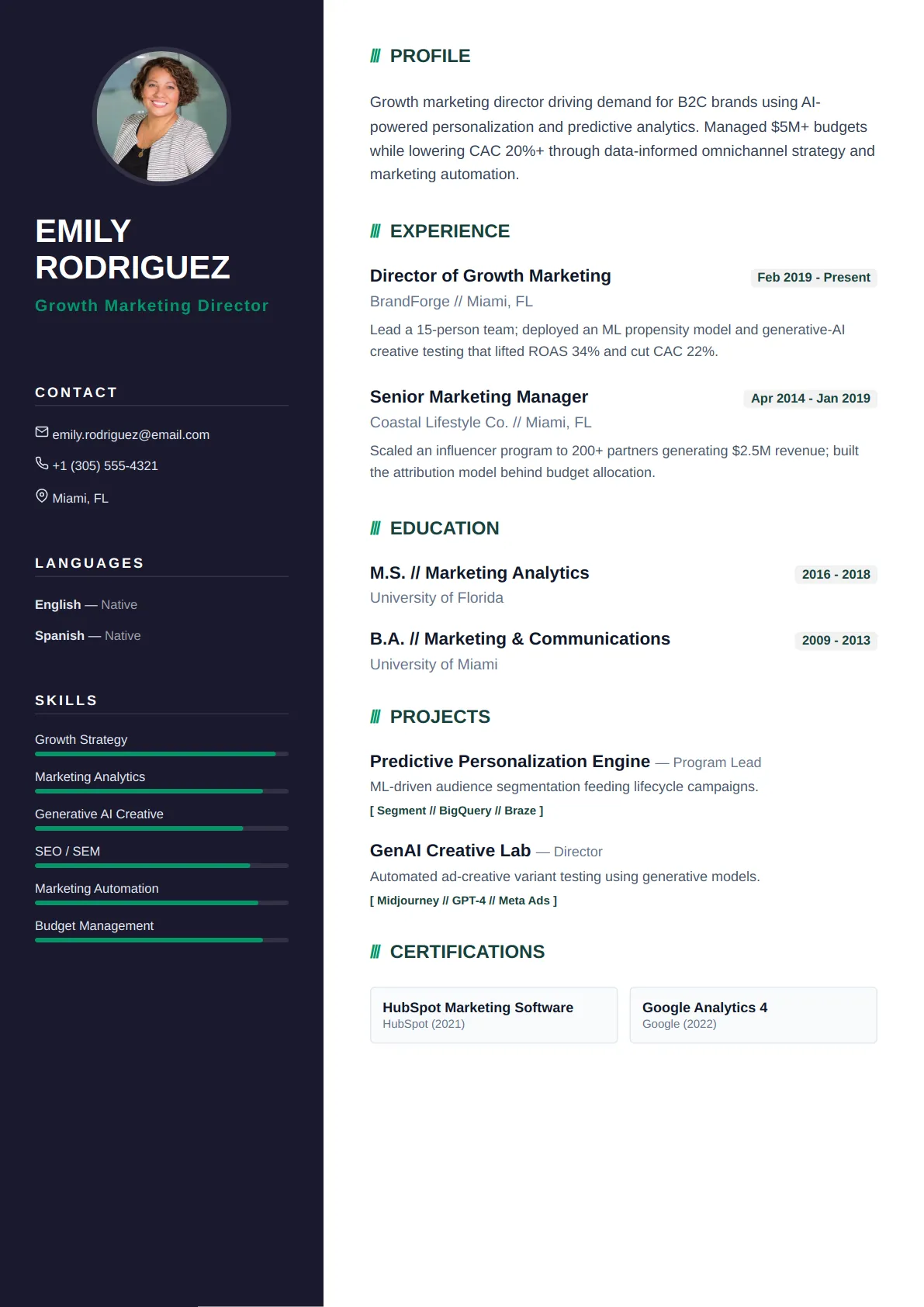
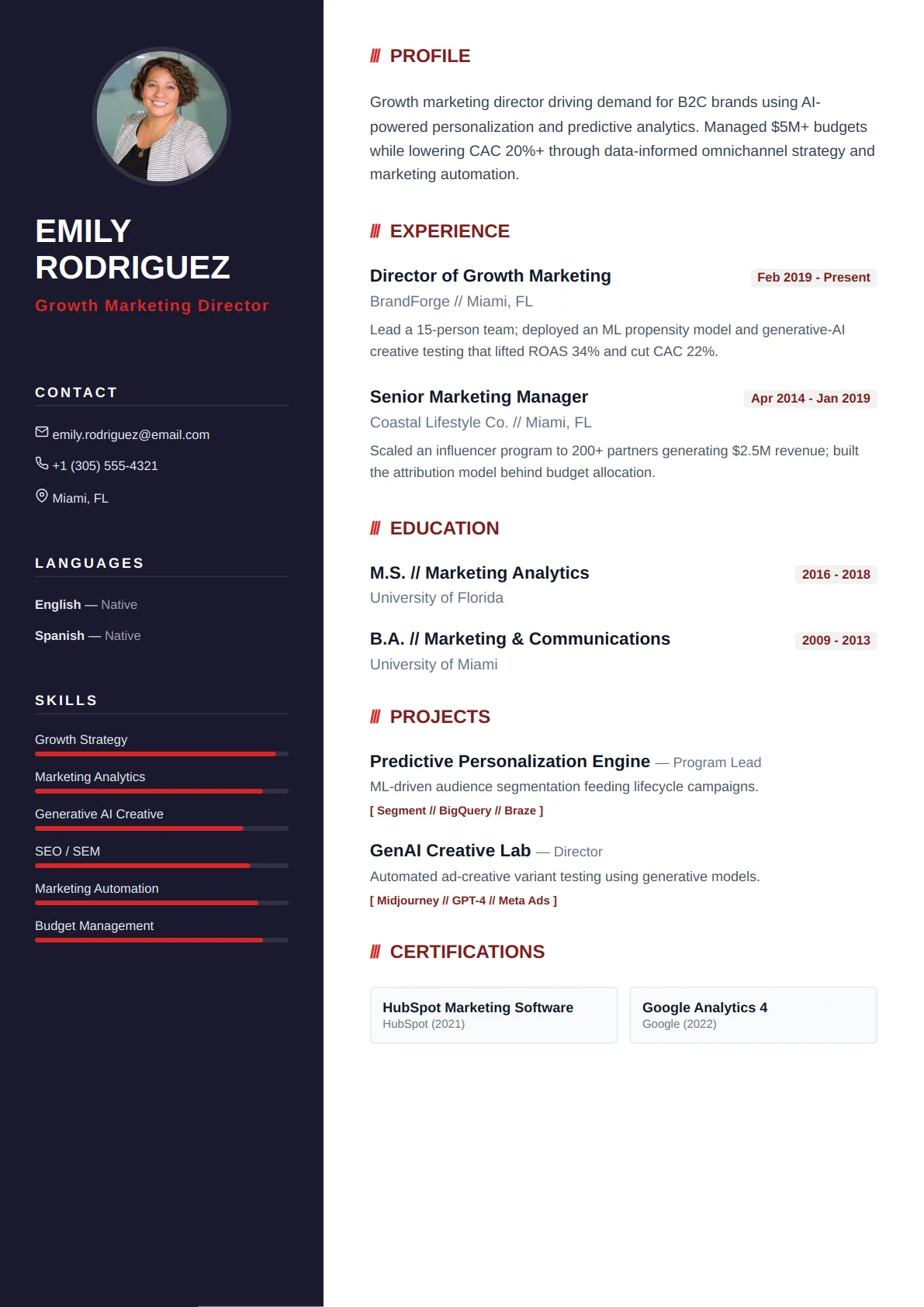
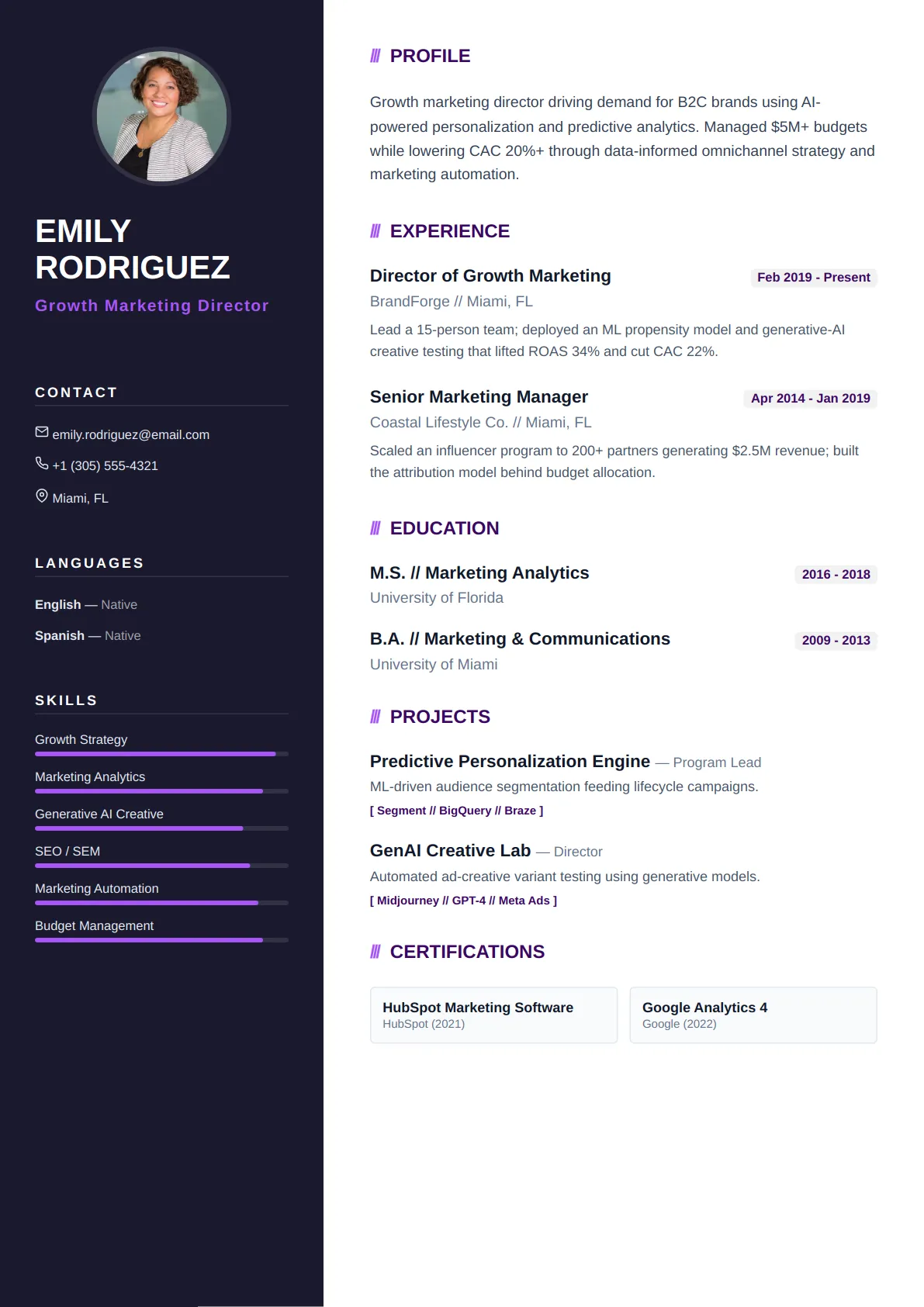
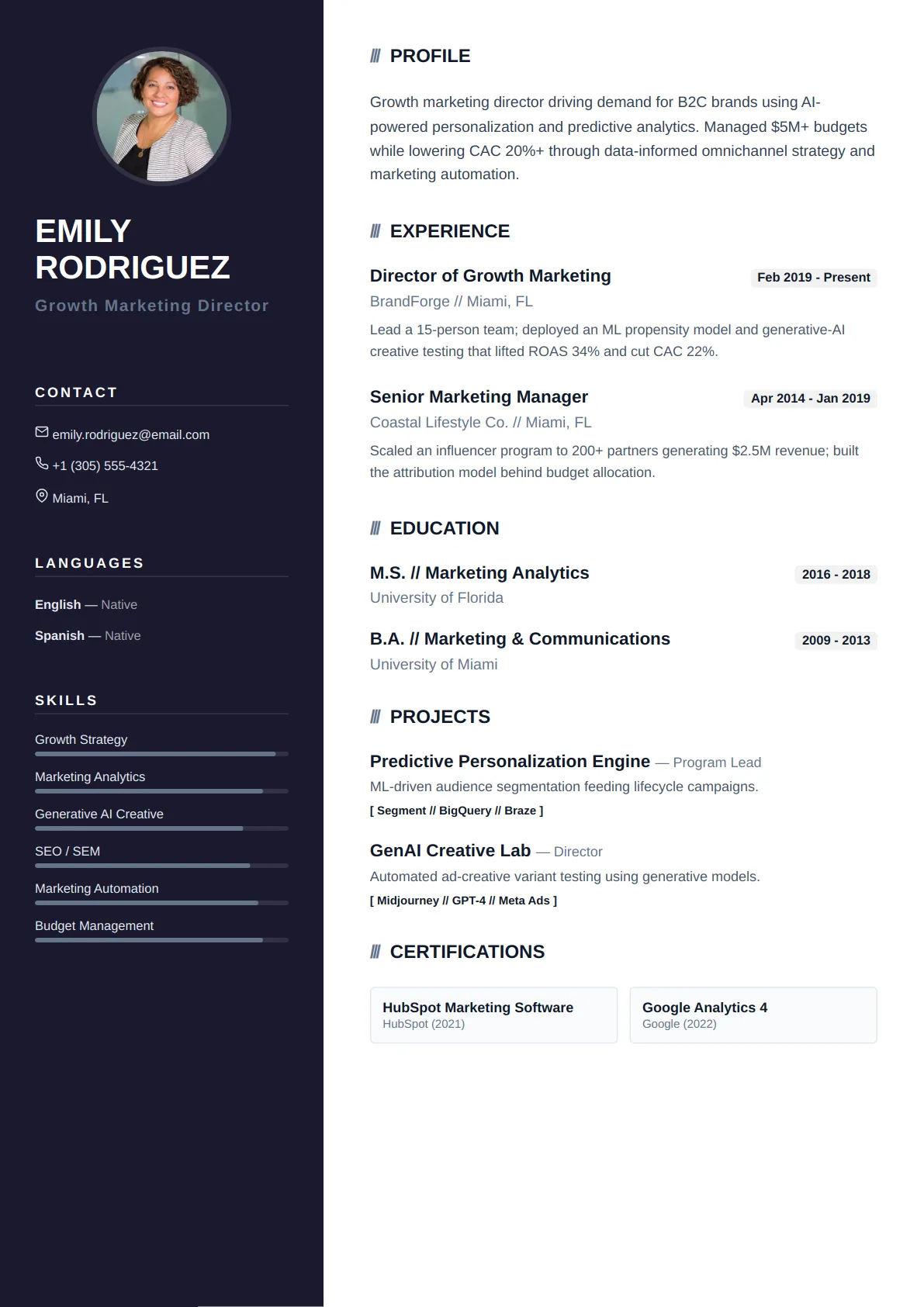
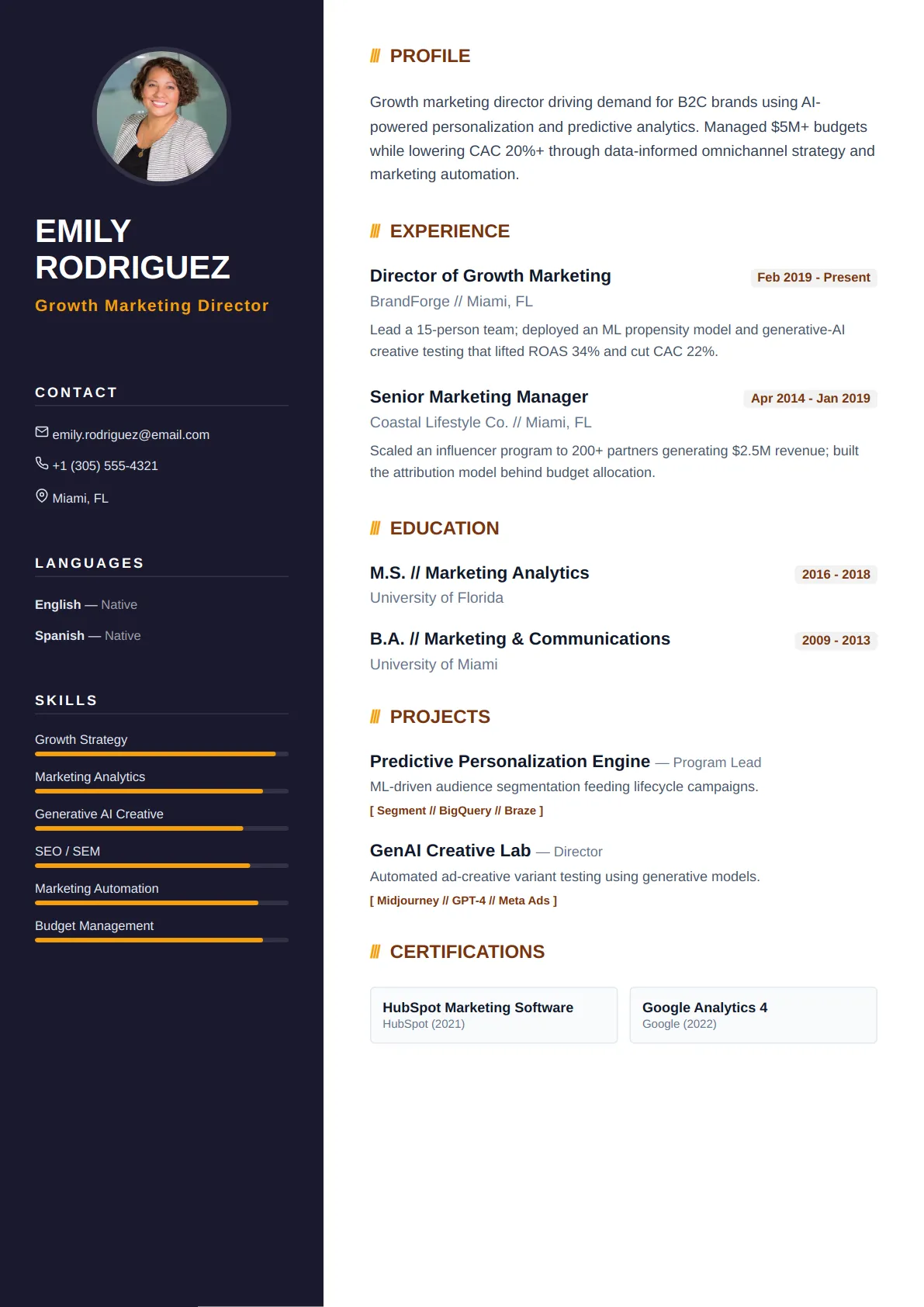
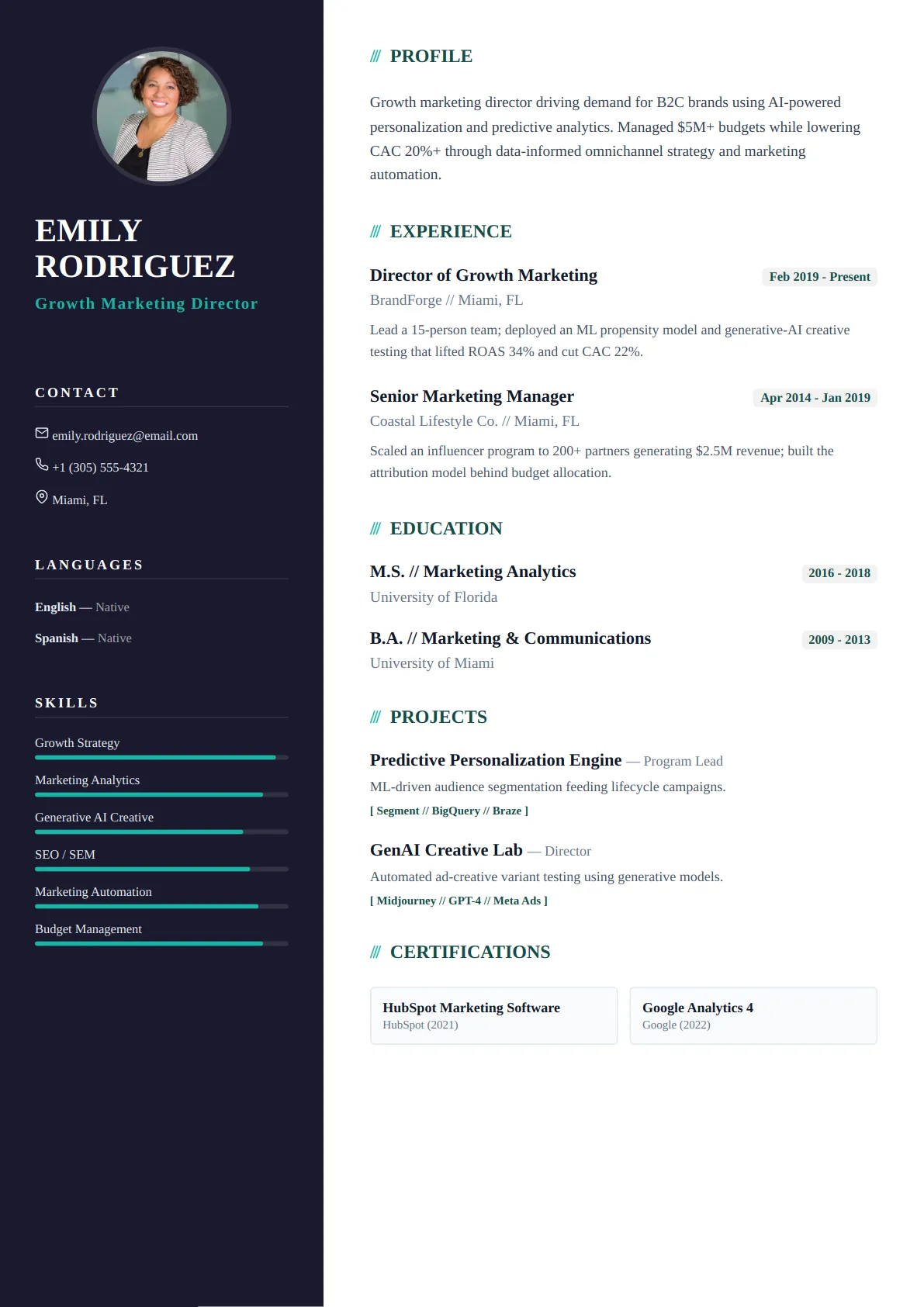
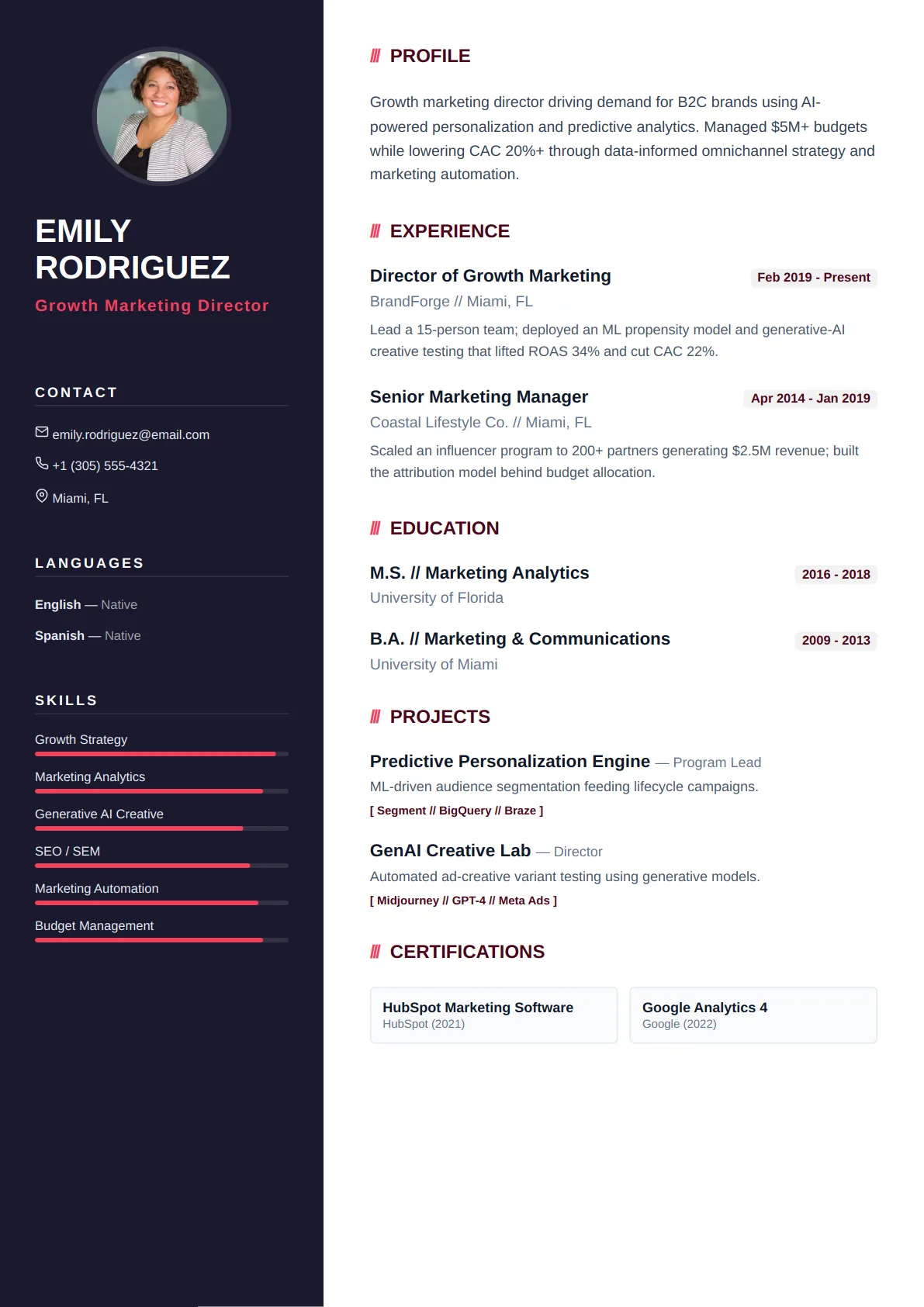
Modern resume templates blend a contemporary look — subtle color accents, refined typography, and smart use of white space — with full ATS compatibility. They help you stand out while keeping your content easy to scan.
Popular Modern resume templates
Every layout below is ATS-tested and free to edit — open one to preview it full size.
Who modern resume templates are best for
- Tech and startups
- Marketing and product roles
- Candidates who want a fresh, current look
- Most professional fields
Every Modern template is ATS-friendly
All CraftMyDocs templates are tested against Applicant Tracking Systems, so your resume parses cleanly and reaches a human recruiter. Pick a modern design, then customize colors, fonts, and sections — your content stays intact even if you switch templates later. Add AI-written bullet points and a real-time ATS score as you go.
What "modern" means in a resume, and what it doesn't
Modern templates borrow from product and web design: a bold name block, generous white space, a geometric sans-serif such as Inter or Manrope, and one accent colour used consistently on headings and rule lines. Some use a two-column grid with a slim sidebar for skills and contact details. What they do not do is decorate — no skill bars, no icon rows, no background shapes. Those read as dated within a couple of years and, more importantly, parsers cannot read a bar chart. The modern look comes from proportion and typography, which cost nothing in ATS compatibility.
Who a modern layout suits, and how to write for it
Product, marketing, design-adjacent, startup and most tech-company roles sit comfortably here, as do candidates in traditional fields at companies that present themselves as contemporary. Write shorter bullets than you would for a professional template — one line each where you can — because the wider spacing exaggerates long paragraphs. Use the sidebar for a tight skills list grouped by type (Tools, Methods, Languages) and for links: a portfolio, GitHub or LinkedIn URL is expected in these fields and the sidebar keeps them off the main reading path.
Colour and spacing decisions that keep it credible
Pick one accent and use it in exactly three places: your name, the section headings and the rule lines. Two colours start to look like a flyer. Keep the accent dark enough to print legibly in greyscale — many hiring managers still print. If you choose a two-column modern template, make sure the main column carries every date and employer; sidebars are read second by both people and software, so anything essential to your chronology belongs on the left. Every modern template here has been checked so that the sidebar parses after, not inside, the experience section.
Modern resume template FAQs
Are two-column modern templates safe for applicant tracking systems?
The ones in this category are. The risk with two columns is a parser reading across both columns line by line and scrambling the text. These templates are built with a document order that puts the main column first and the sidebar second, so the parsed text reads in the same order a person would read it. Avoid two-column layouts built in Word tables — that is where the scrambling happens.
Which font should I use in a modern resume?
A geometric or humanist sans-serif: Inter, Manrope, Source Sans or Lato. Stay at 10.5–11.5 pt for body text and use weight, not size, to create hierarchy. The templates ship with paired font settings that you can change in Customize without breaking the layout.
Can I use a modern template for a conservative employer?
Yes, if you keep the accent colour dark (navy, charcoal, deep green) and choose a single-column variant. The structure is still conventional; the difference is spacing and type, which no employer objects to. Save the brighter accents for companies whose own careers page looks the same way.
Should I add a headshot to a modern resume?
Only where it is customary — parts of continental Europe and Asia. In the US, UK, Canada and Australia leave it off. If your market expects one, upload it in the Contact step of the builder: it appears only on the templates designed with a photo slot and is ignored by the rest, so switching to a photo-free design needs no edits.
Role guides that pair with modern templates
Each guide has a summary example, the keywords applicant tracking systems look for and example bullets written for that title.
- Product Manager resume guideDesign a data-driven, impact-focused resume that lands you interviews for top Product Management roles.
- Digital Marketing Manager resume guideCraft a High-Impact Resume to Showcase Your Digital Marketing Expertise
- Software Engineer resume guideBuild a technical resume that showcases your coding prowess, problem-solving skills, and project impact to top tech…
- UX Designer resume guideCraft a user-centered resume that showcases your design thinking and impact.
- Growth Marketing Manager resume guideDrive Your Career Growth with an Optimized, Data-Driven Resume
- Data Analyst resume guideUnlock Your Data Career: Build a Powerful Resume Tailored for Data Analyst Roles
Browse other template styles
Creative Resume Templates
Minimal Resume Templates
Executive Resume Templates
Technical Resume Templates
Academic Resume Templates
Sales & Marketing Resume Templates